
マーケティング・売上データとMuseの連携
Adzviser ワークスペースに接続されているアカウントを使用して、キャンペーン支出、コンバージョン、売上について Muse に質問します。 MCP 経由で接続し、アカウントを認証して、データに関する会話を開始します。
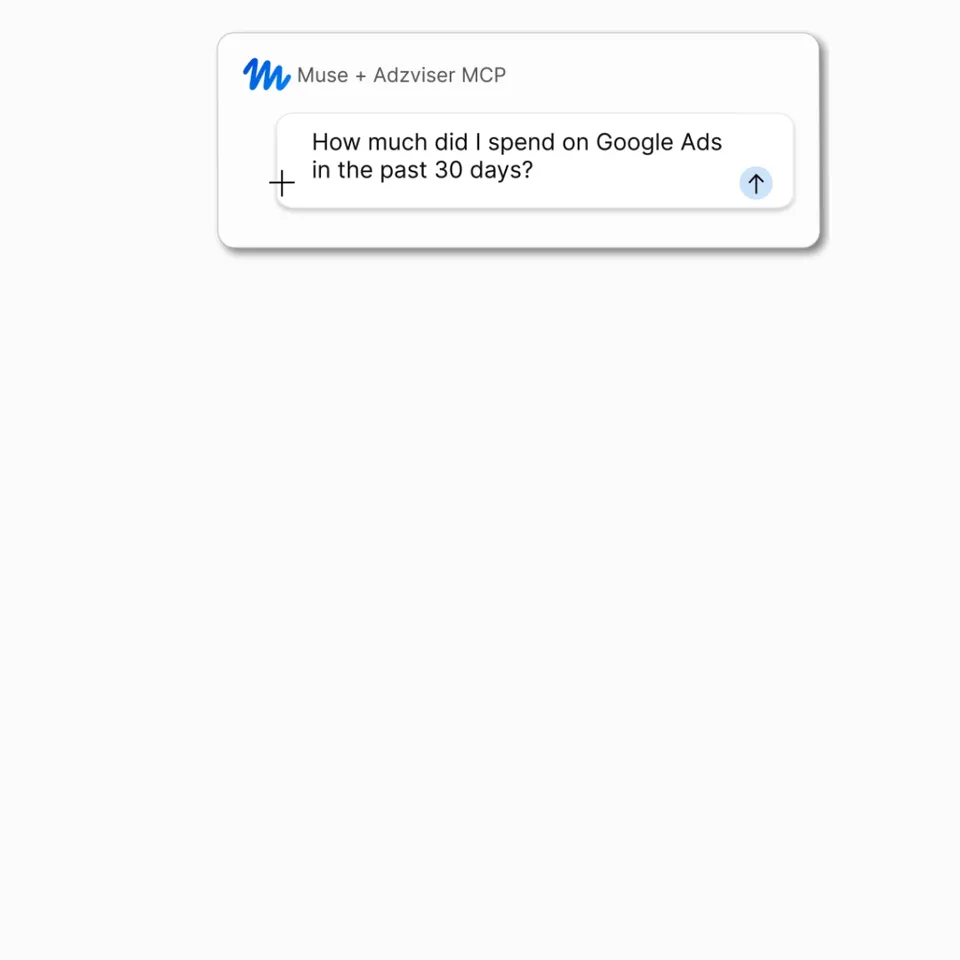
データを Muse に取り込む
- Adzviser でソースを接続します。
レポート対象のアカウントをワークスペースにグループ化します (クライアントごとに 1 つのワークスペースなど)。
- AdzviserをMuseに追加します。
Muse にカスタム Adzviser MCP サーバーに接続するよう依頼し、[接続] を選択して、Adzviser アカウントを承認します。サーバー アドレスとスクリーンショットについては、Muse セットアップ ガイド に従ってください。
- データについて質問してください。
ワークスペースを選択し、キャンペーン支出を比較したり、売上を確認したり、パフォーマンスの変化を調査したりできます。

ウォークスルーを視聴するか、以下のソース固有のガイドに従ってください。
Muse のデータソース
統合ガイドを検索するか、ソースのレポート範囲を調べてください。
59 データソース
有料メディア25
 AdRoll
 Amazon Ads
- Amazon DSPソースの概要
 Apple Ads
 Campaign Manager 360
 Criteoソースの概要
 Display & Video 360
 Google Ads
 Google Ads Transparency Center
 Instacartソースの概要
 LinkedIn Ads
 Meta Ad Libraryソースの概要
 Meta Ads
 Microsoft Ads
 MNTN
MNTN Pinterest Ads
 Reddit Ads
 Search Ads 360
 Snapchat Ads
 Spotify Ads
 The Trade Desk
 TikTok Ads
 Vibe.coソースの概要
 X Ads
X Ads Yahoo DSP
分析と SEO7






ソーシャルメディア8


e コマース8





代理店、フリーランサー、起業家から選ばれています
Museで使うAdzviserコネクタの自由度と使いやすさを、ユーザーの声でお確かめください。
Muse + Adzviser MCP よくある質問
データソースを使用して Adzviser ワークスペースを作成し、Muse に https://mcp.adzviser.com/http に接続するように依頼します。 Adzviser コネクタ カードで [接続] を選択し、OAuth 認証を完了して、分析するワークスペースを選択します。 Muse接続ガイドに従ってください→
Google Ads、Meta Ads、Google Analytics、Shopify などの接続されたソースからのデータのレポートについて質問してください。ワークスペース、アカウント、指標、日付範囲を指定し、フォローアップの質問をしてキャンペーンを比較したり、変更を調査したりできます。 サポートされているデータソースを参照する →
セットアップ ガイドでは、Adzviser の OAuth 認証を使用します。接続フローを通じて Adzviser アカウントにサインインします。アプリを登録したり、会話に API キーを貼り付けたりする必要はありません。
Adzviser の MCP サーバーは、読み取り専用のレポート アクセスを提供します。 Muse は結果を分析して変更を提案できますが、接続によってキャンペーンが編集されたり、ソース アカウントが更新されたりすることはありません。
はい。 Muse は、Adzviser の他の連携先と一緒に含まれています。必要なデータソースの Adzviser サブスクリプションを選択します。 Muse へのアクセスは別です。 Adzviser の料金を表示する →

