Free Marketing Dashboard & Report Templates
Start with a professionally designed marketing report, connect your live data, and customize it for your team or clients. Every template works with Data Studio or Google Sheets through Adzviser.
Browse Marketing Report Templates by Data Source
Find a ready-to-use dashboard or spreadsheet for the platform you report on. Filter by reporting destination, marketing category, or data source.
 +
+
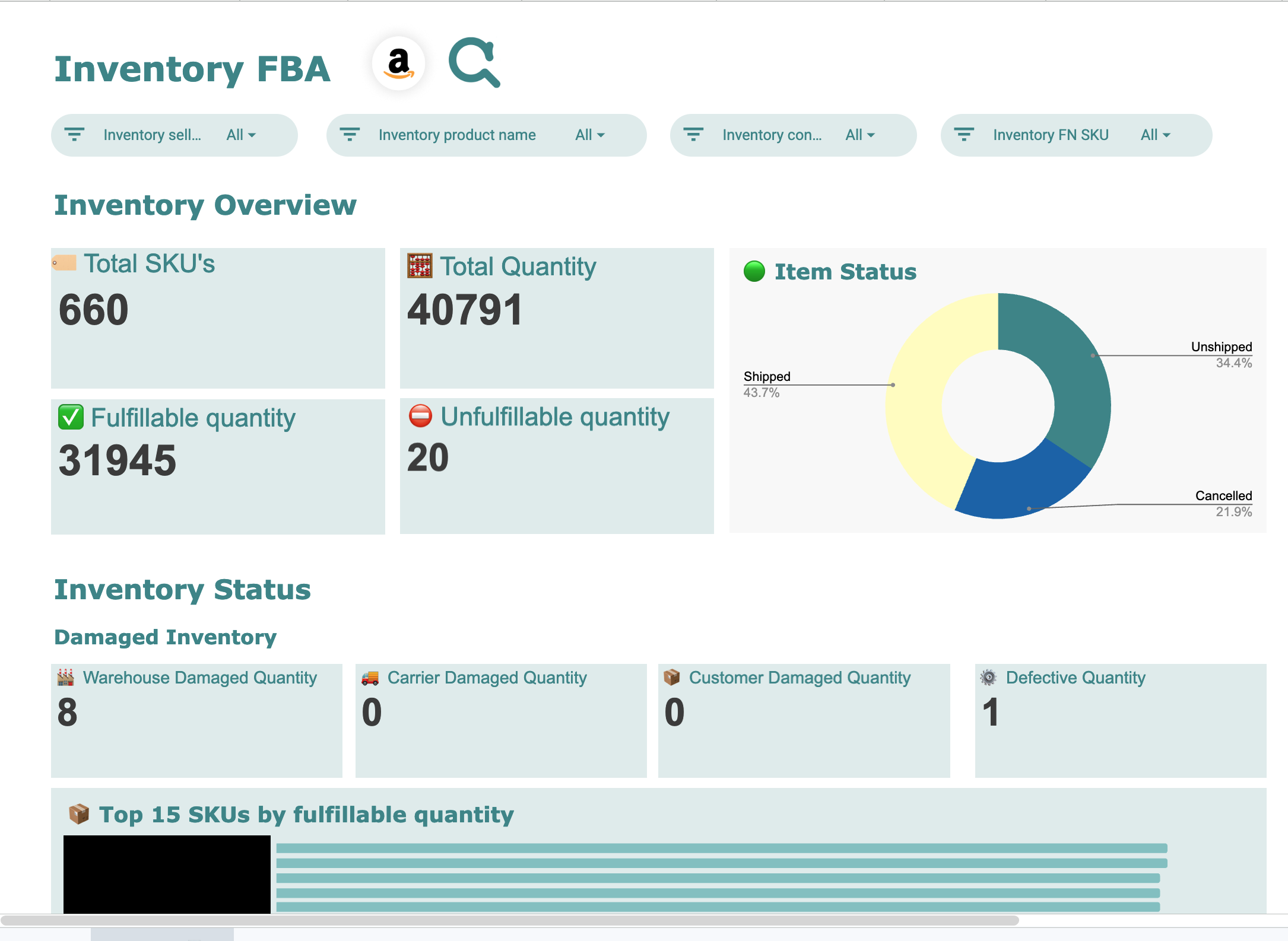
Amazon Seller Central Google Sheets Templates
1 ready-to-use Google Sheets template for Amazon Seller Central
 +
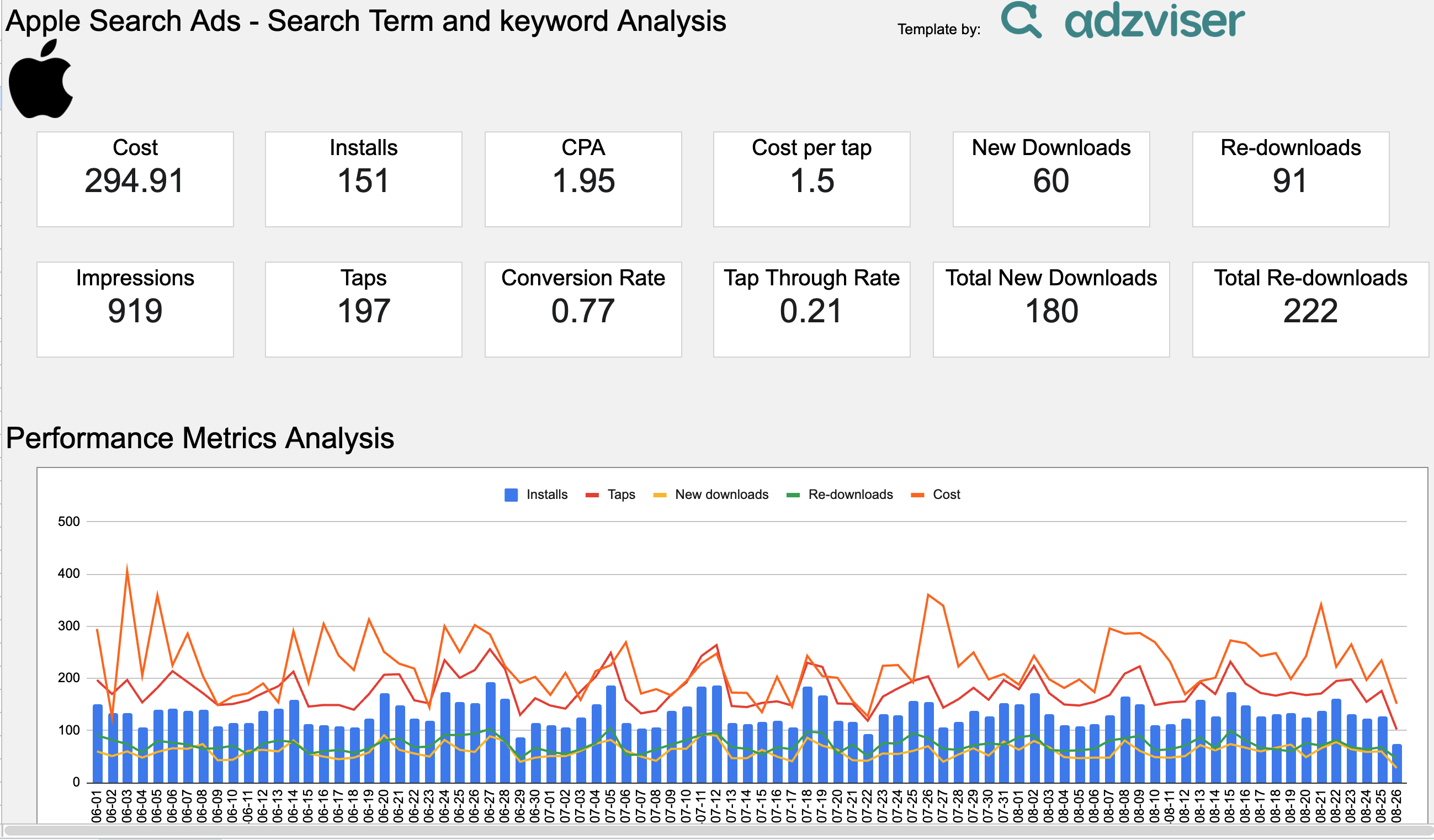
+Apple Ads Google Sheets Templates
1 ready-to-use Google Sheets template for Apple Ads
 +
+
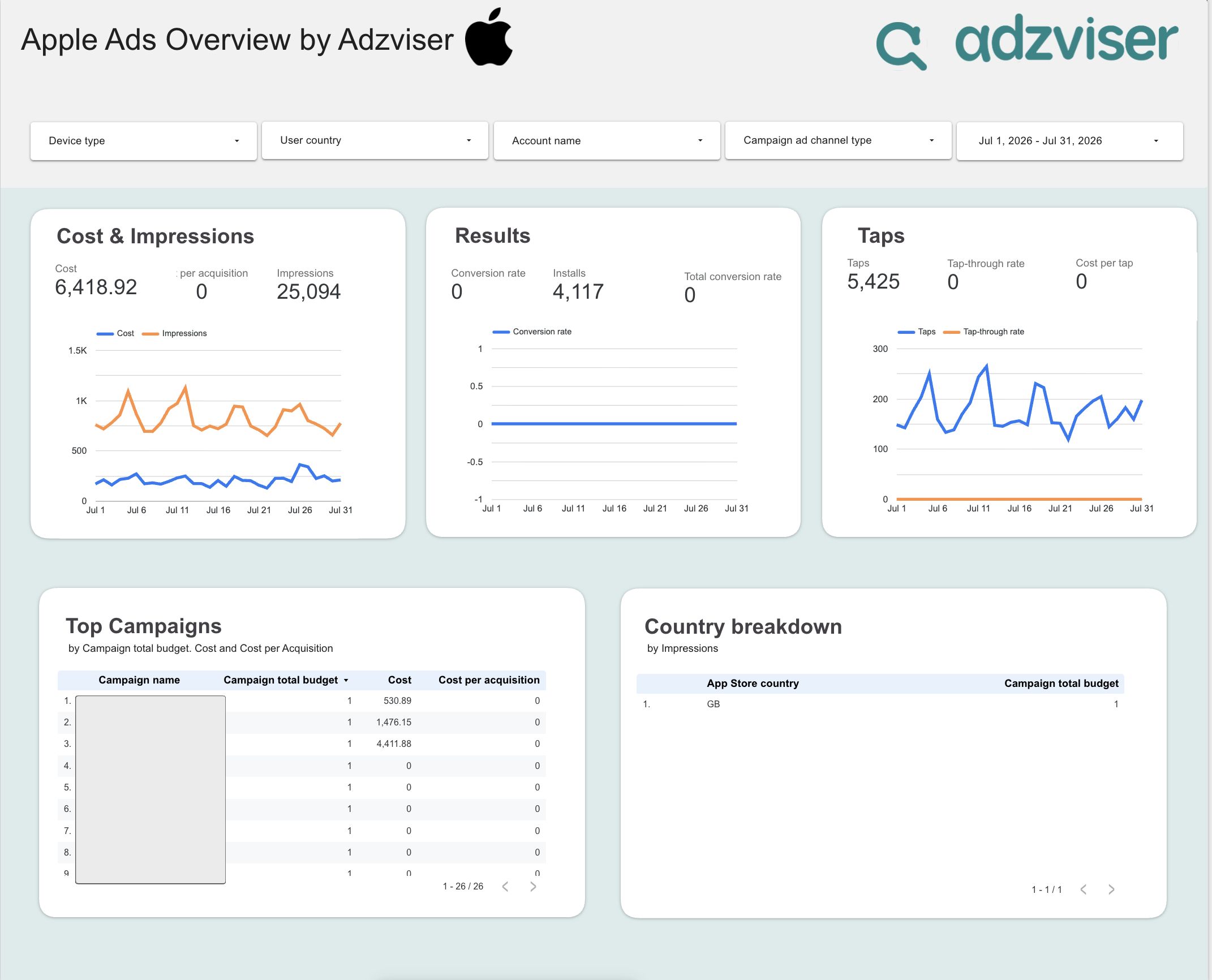
Apple Ads Data Studio Templates
1 ready-to-use Data Studio template for Apple Ads
 +
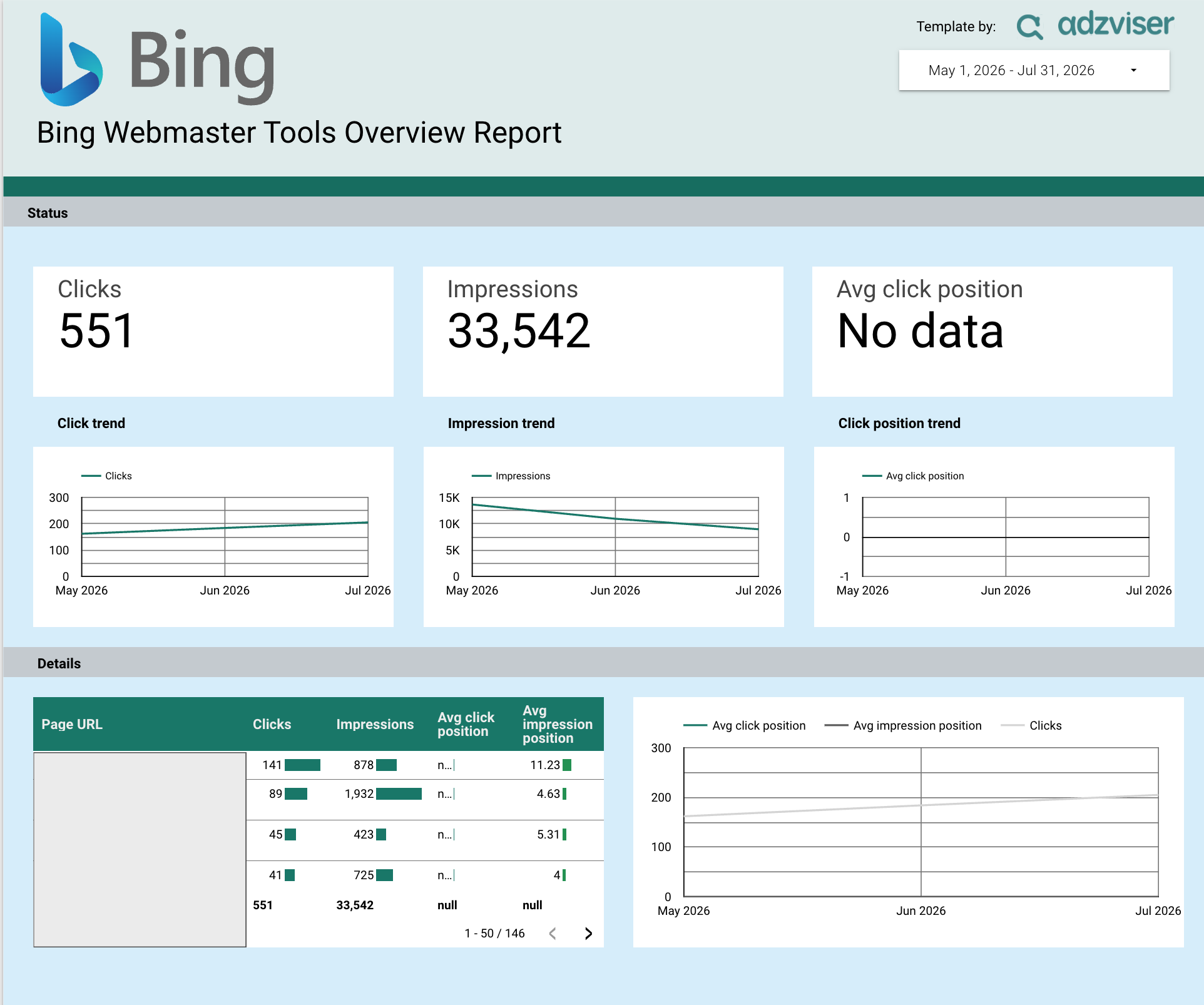
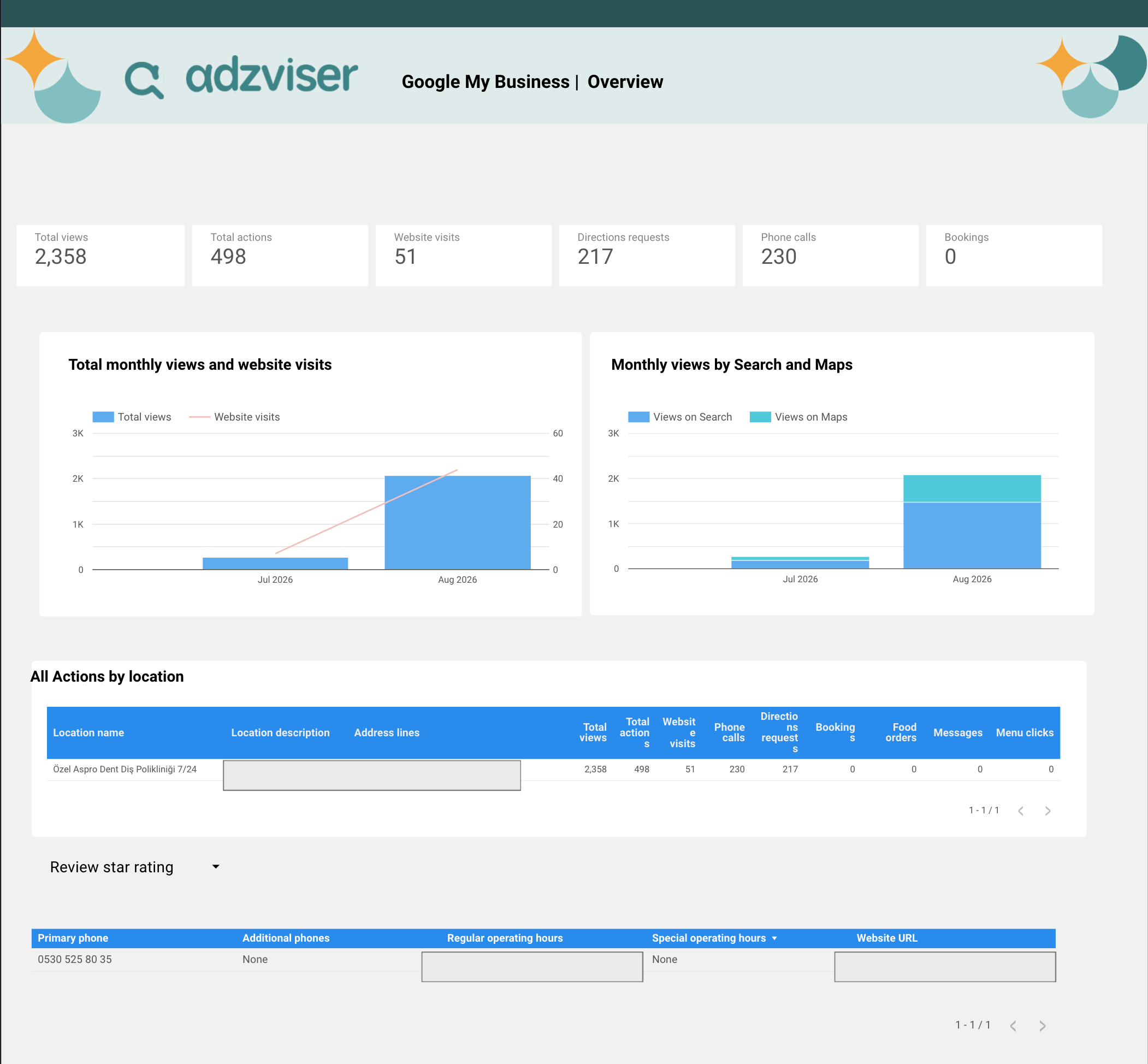
+Bing Webmaster Tools Data Studio Templates
1 ready-to-use Data Studio template for Bing Webmaster Tools
 +
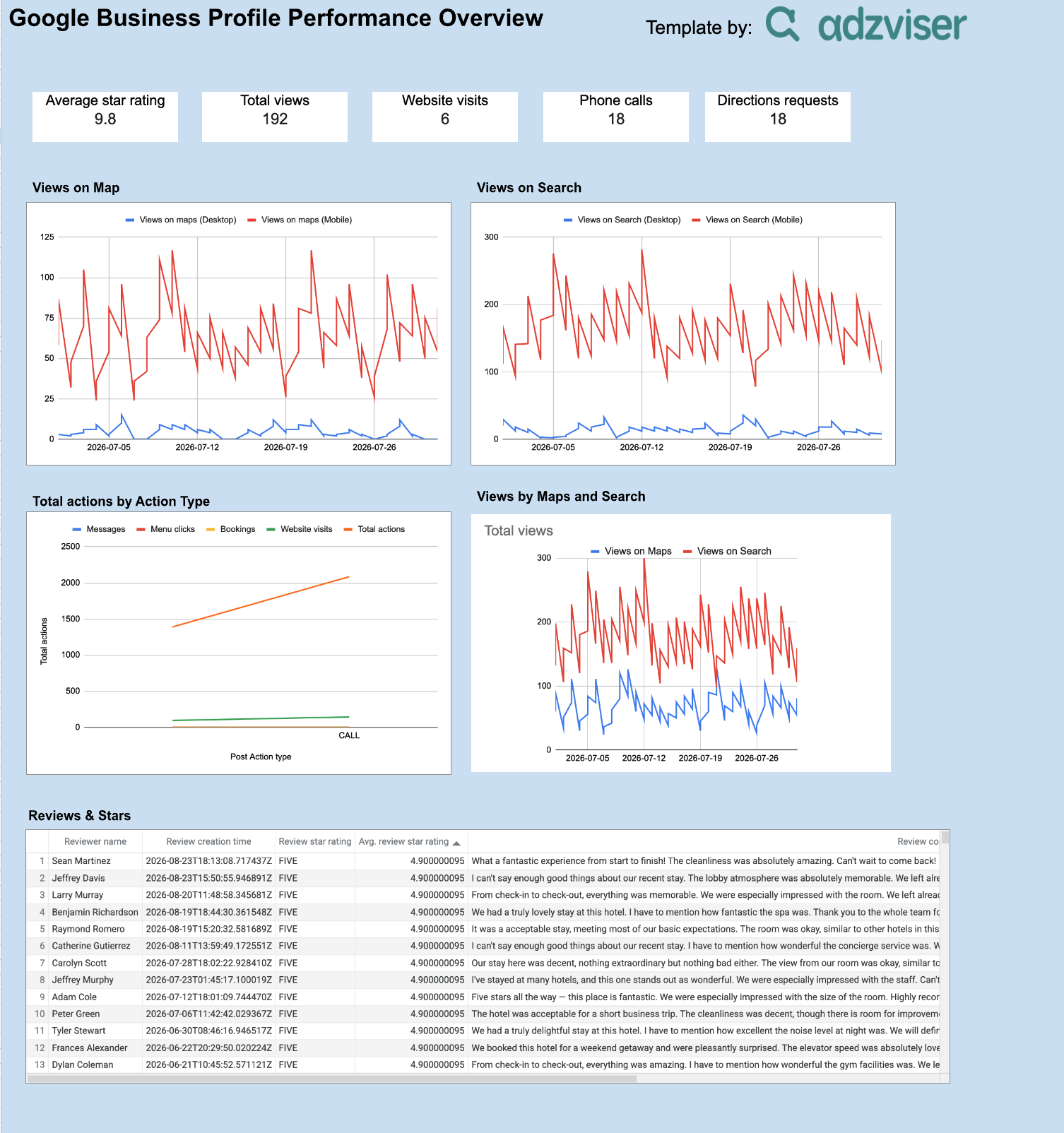
+Business Profile Data Studio Templates
1 ready-to-use Data Studio template for Business Profile
 +
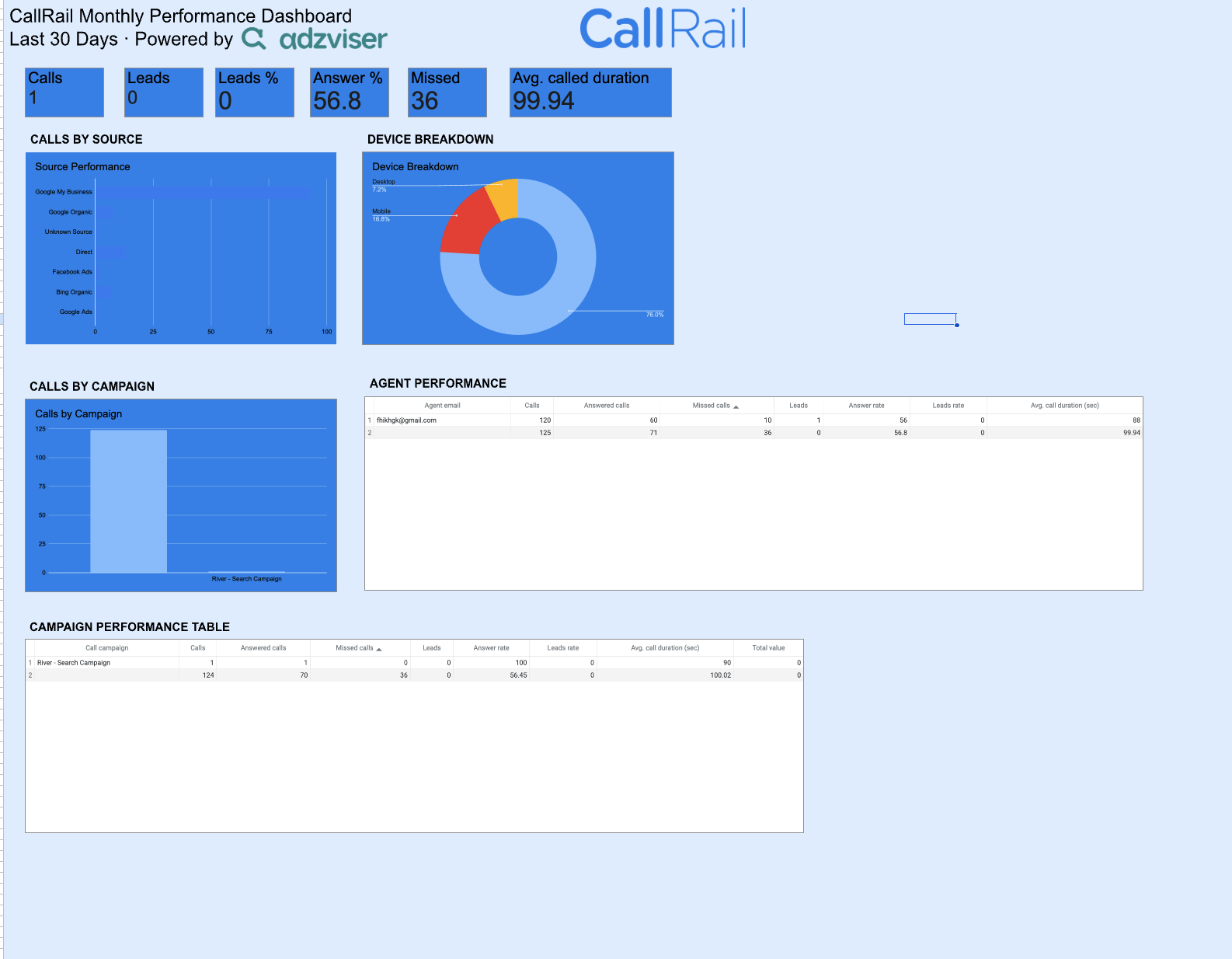
+Business Profile Google Sheets Templates
1 ready-to-use Google Sheets template for Business Profile
 +
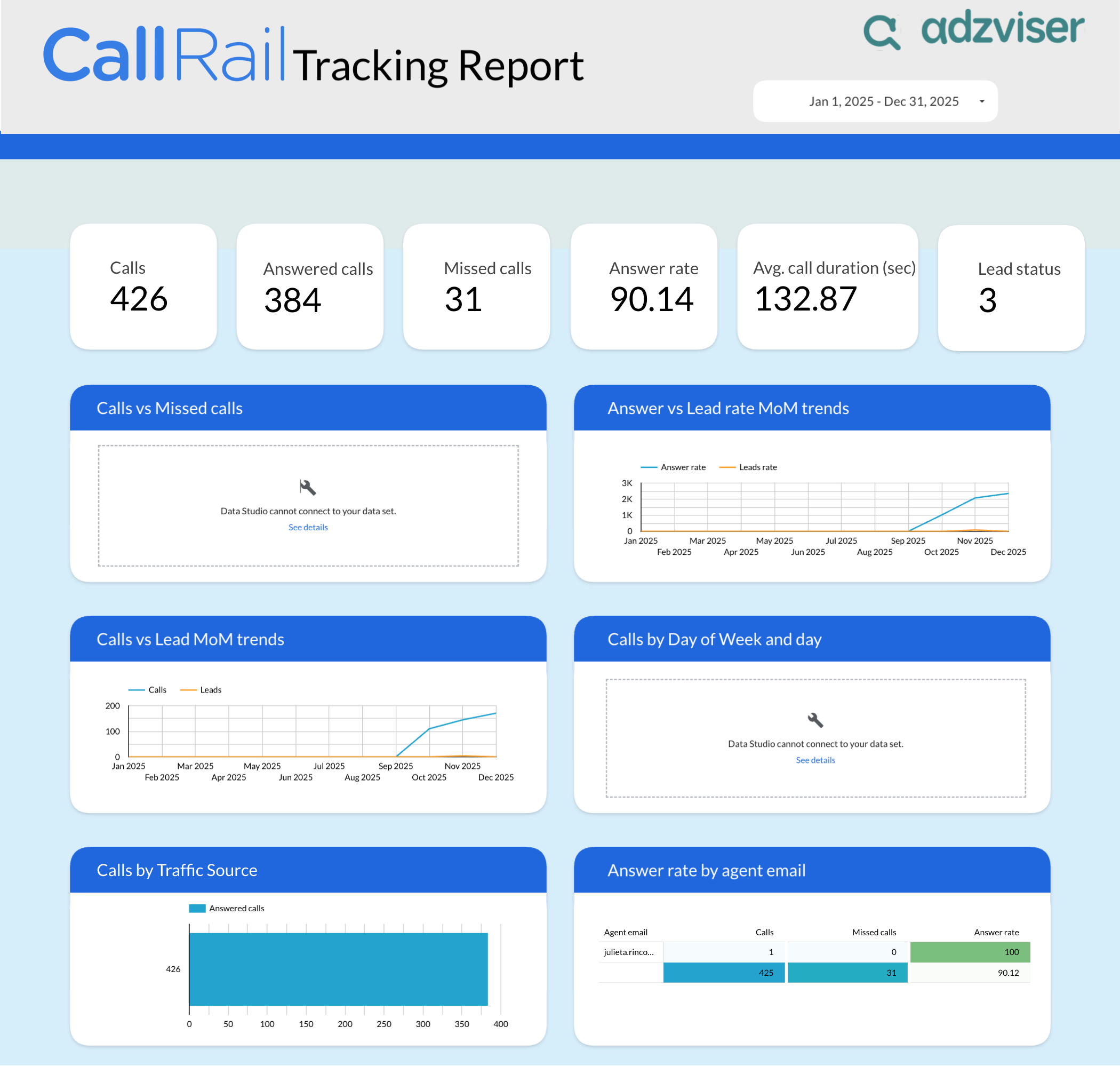
+CallRail Google Sheets Templates
1 ready-to-use Google Sheets template for CallRail
 +
+CallRail Data Studio Templates
1 ready-to-use Data Studio template for CallRail
 +
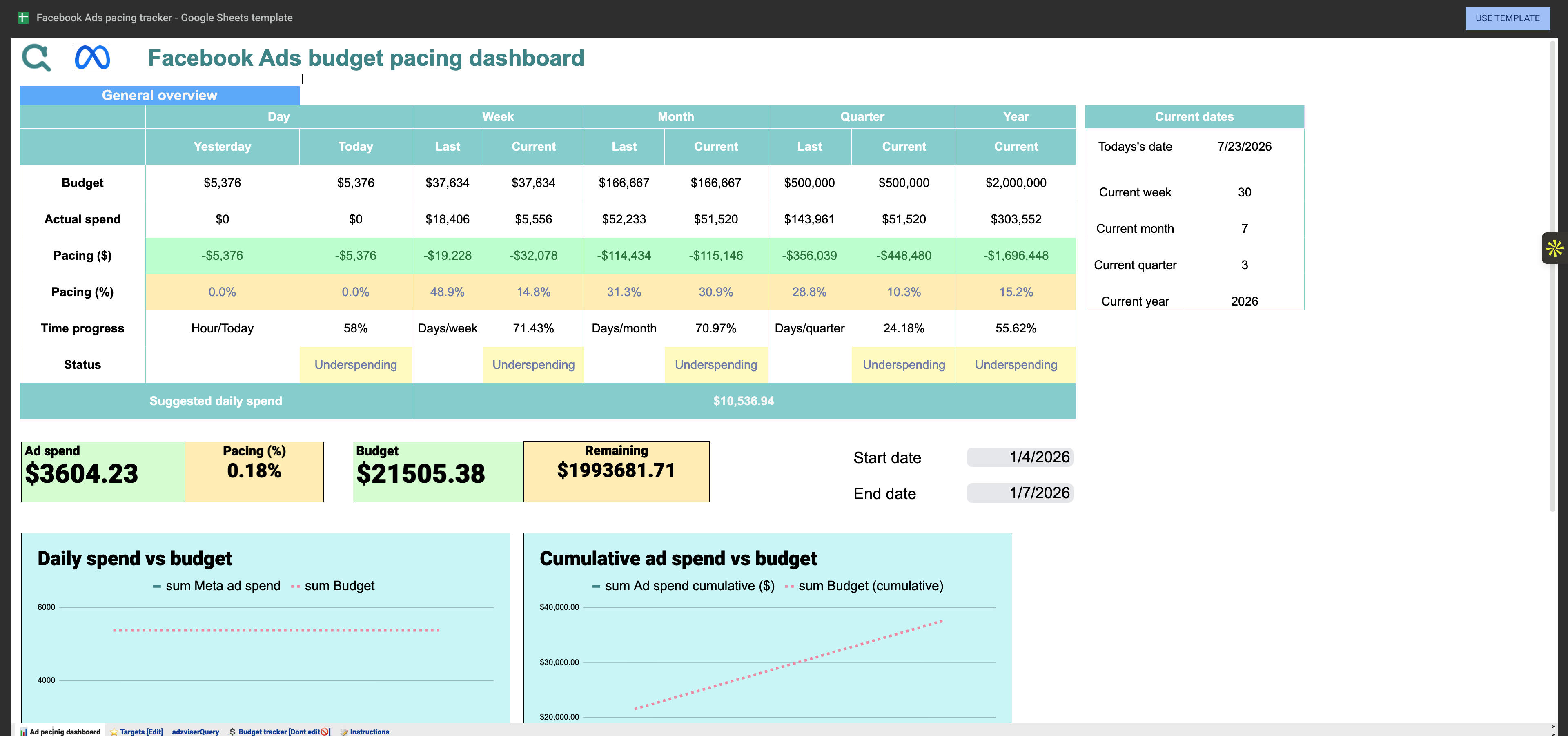
+Facebook Ads Google Sheets Templates
3 ready-to-use Google Sheets templates for Facebook Ads
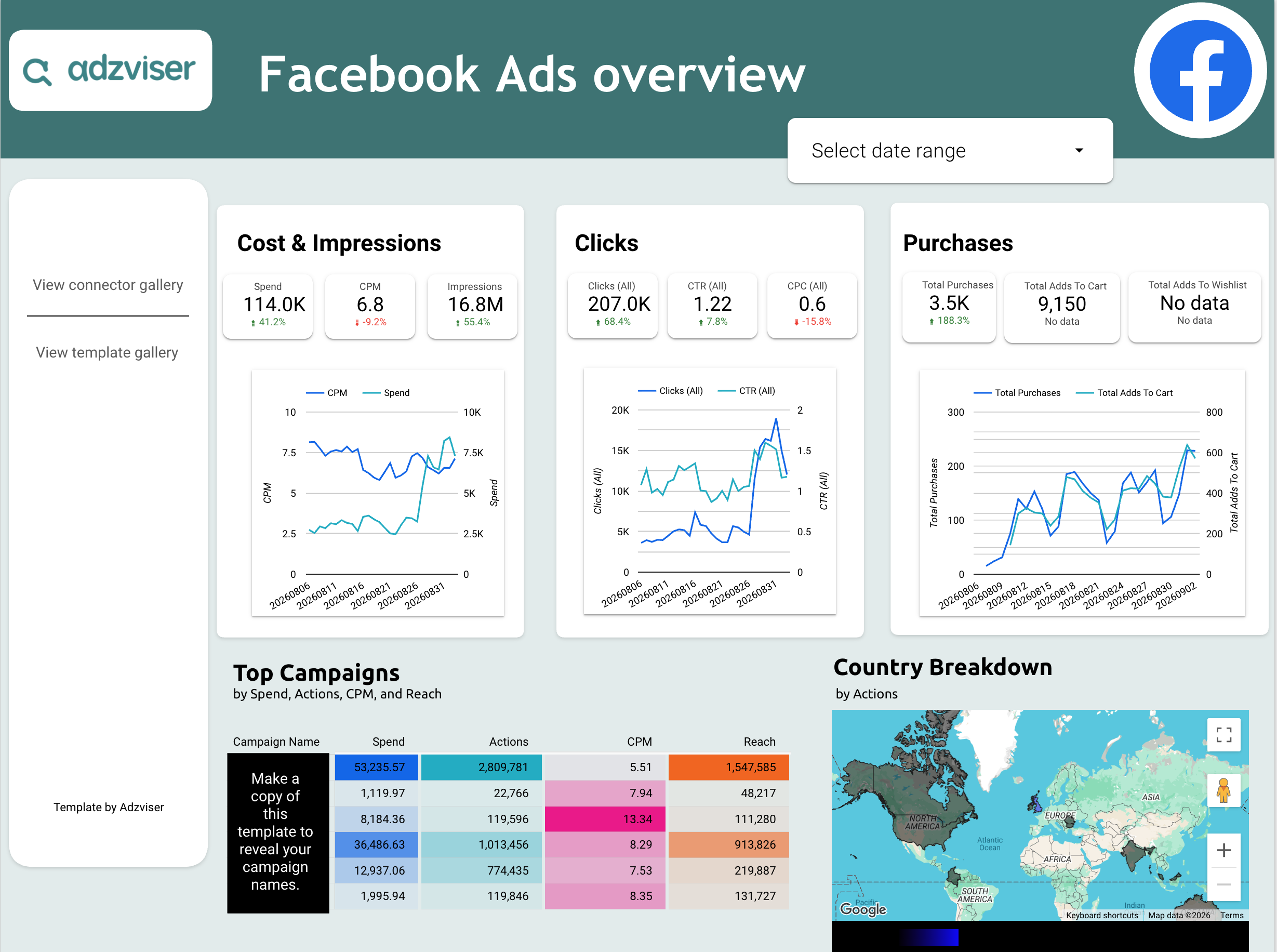 +
+Facebook Ads Data Studio Templates
2 ready-to-use Data Studio templates for Facebook Ads
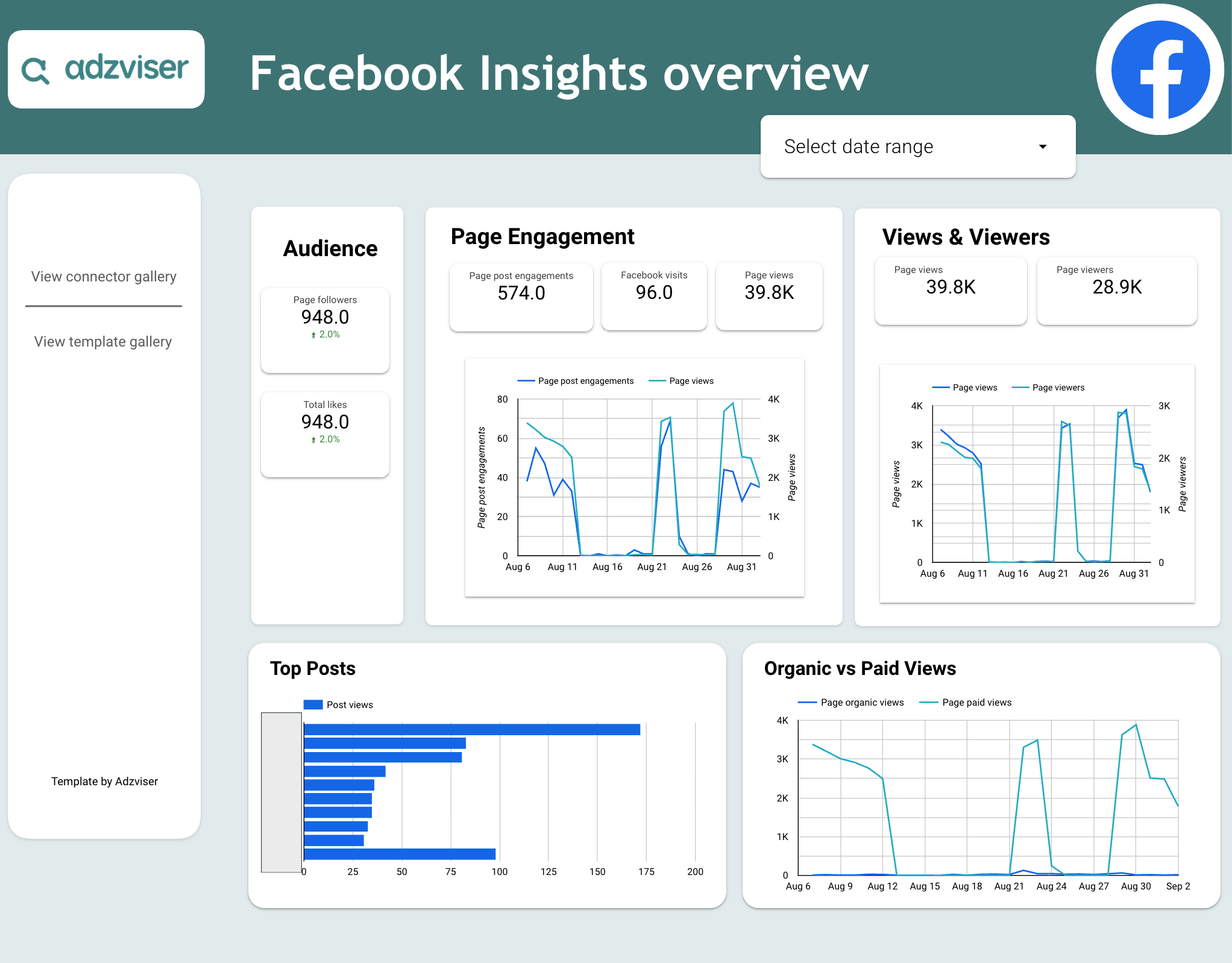 +
+Facebook Insights Data Studio Templates
1 ready-to-use Data Studio template for Facebook Insights
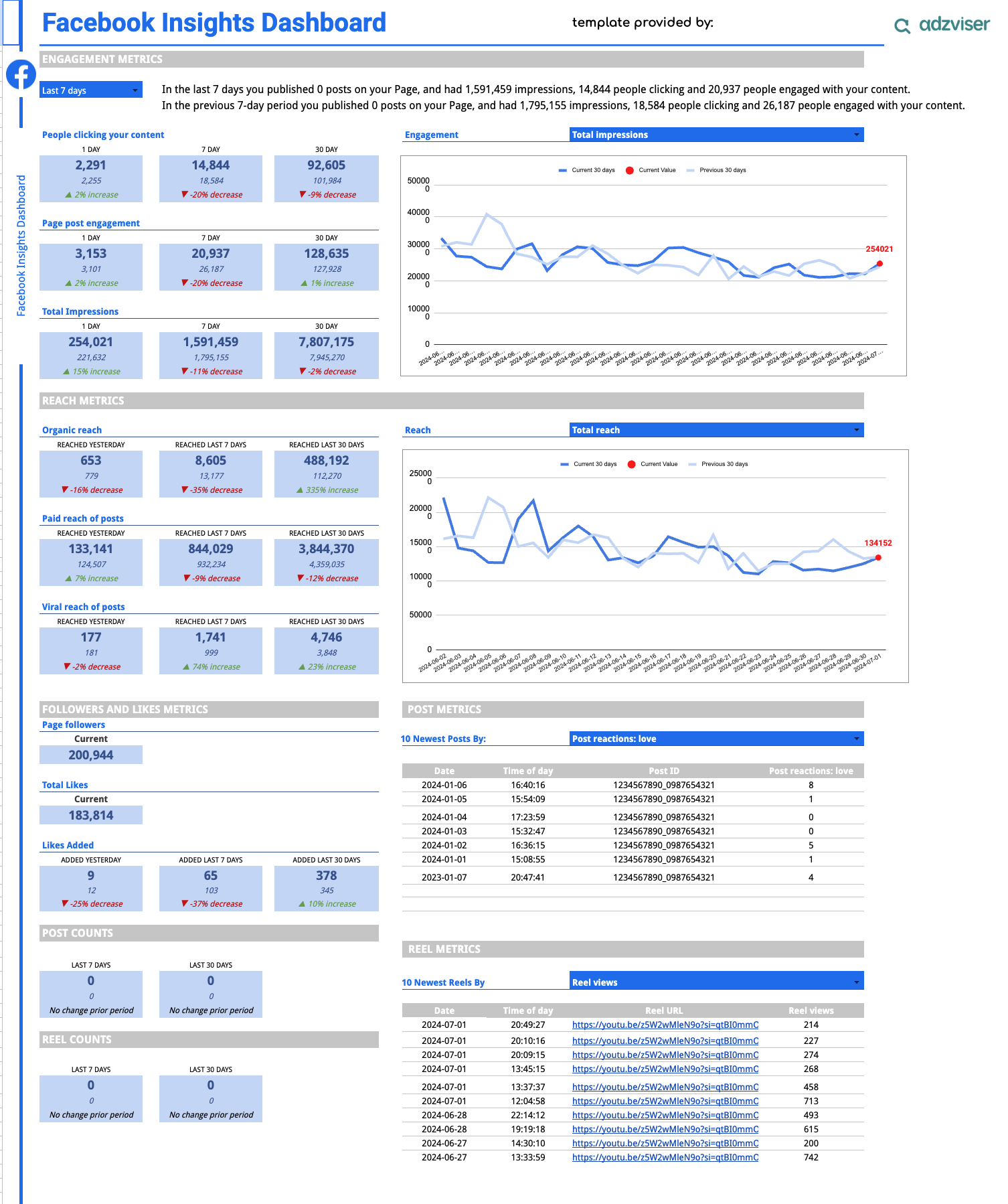 +
+Facebook Insights Google Sheets Templates
1 ready-to-use Google Sheets template for Facebook Insights
 +
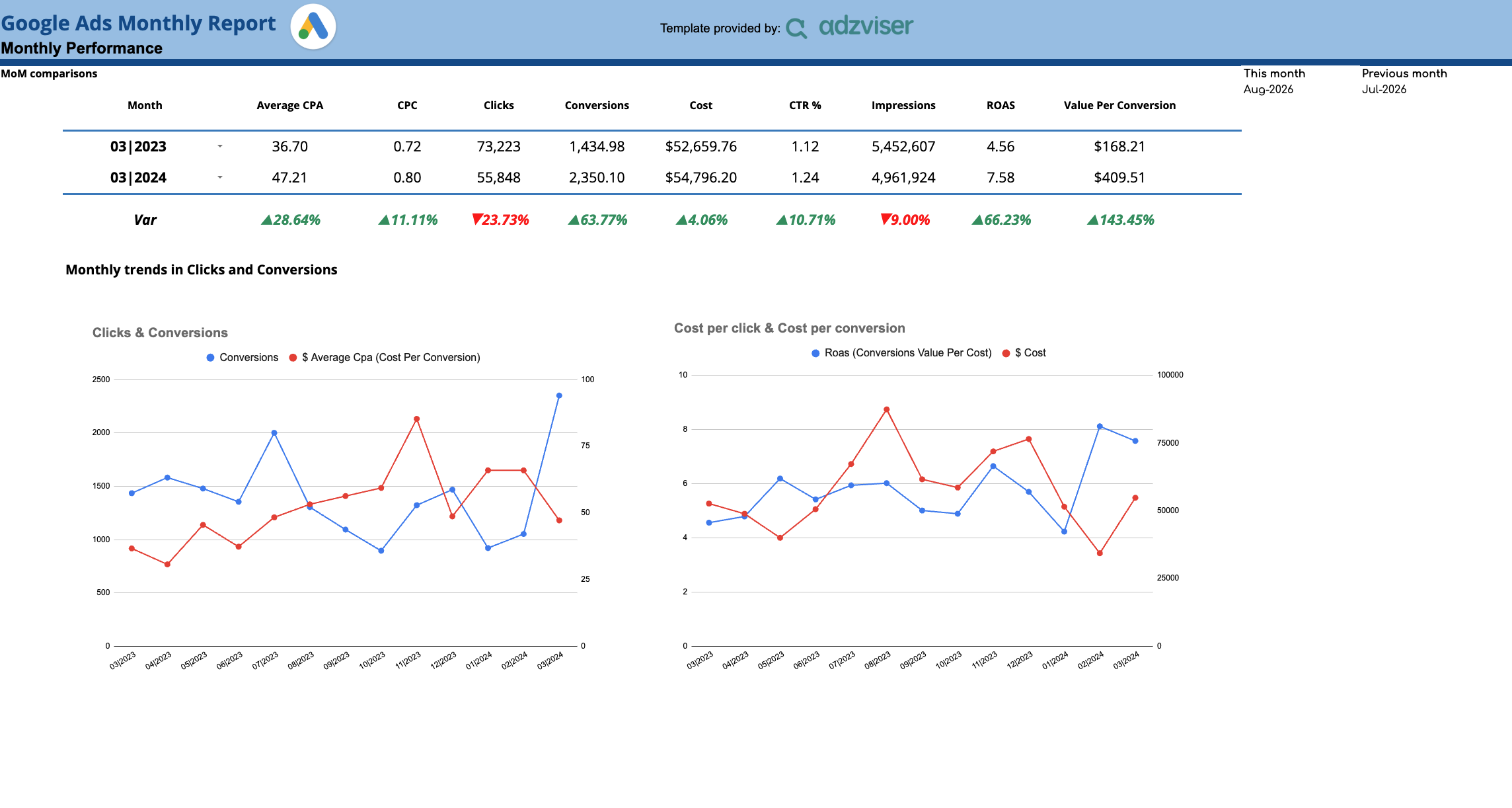
+Google Ads Google Sheets Templates
1 ready-to-use Google Sheets template for Google Ads
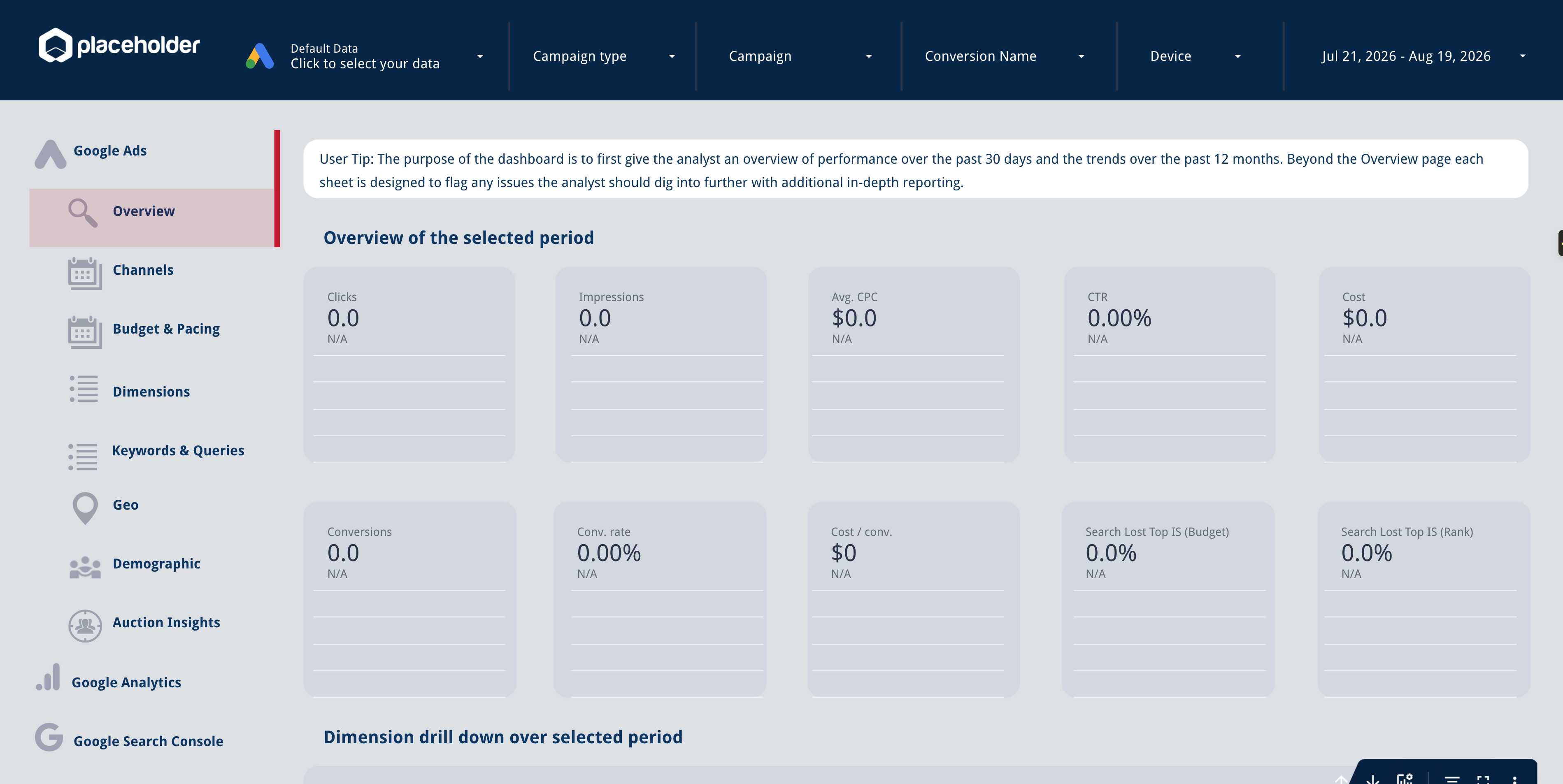 +
+Google Ads Data Studio Templates
1 ready-to-use Data Studio template for Google Ads
 +
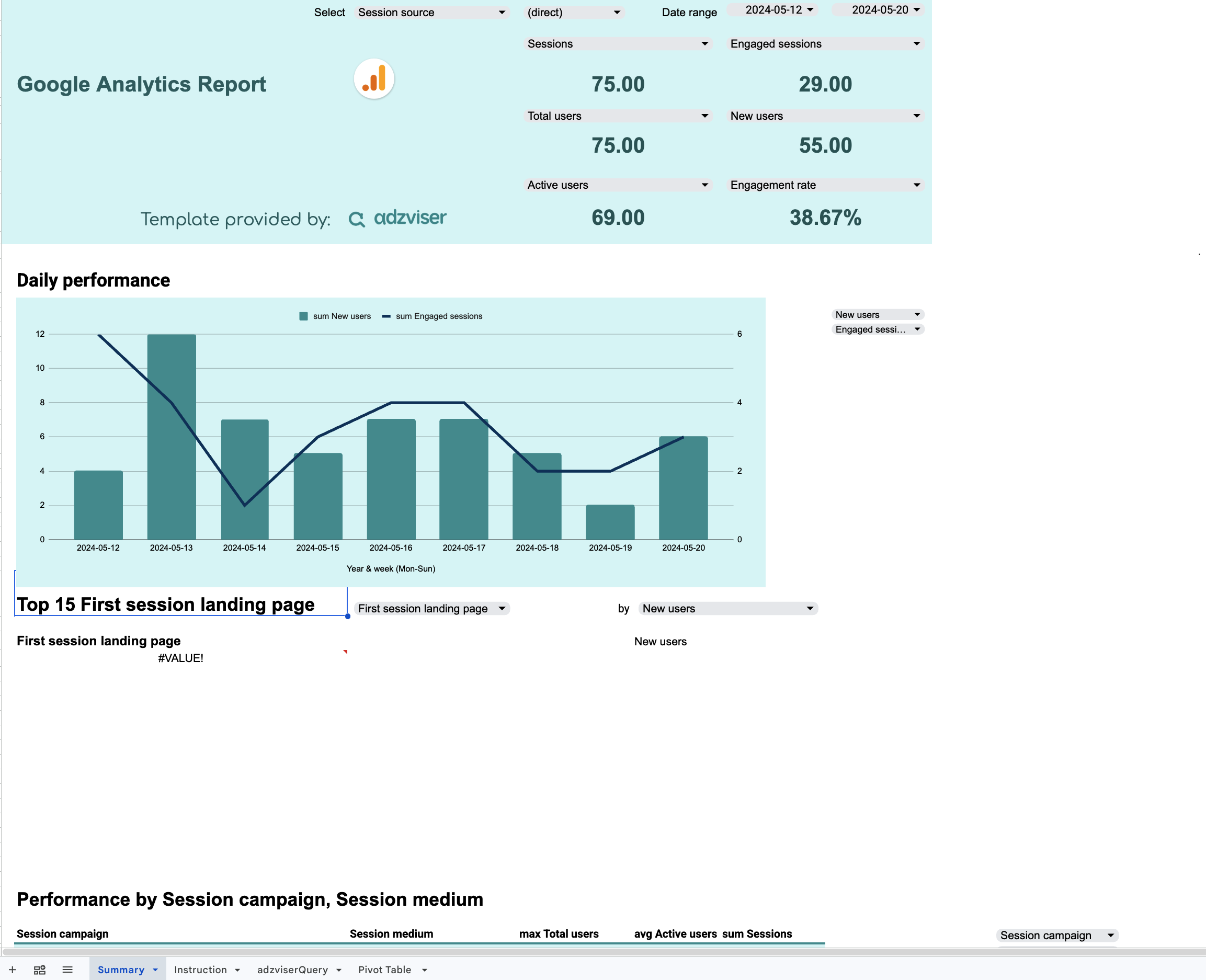
+Google Analytics Google Sheets Templates
1 ready-to-use Google Sheets template for Google Analytics
 +
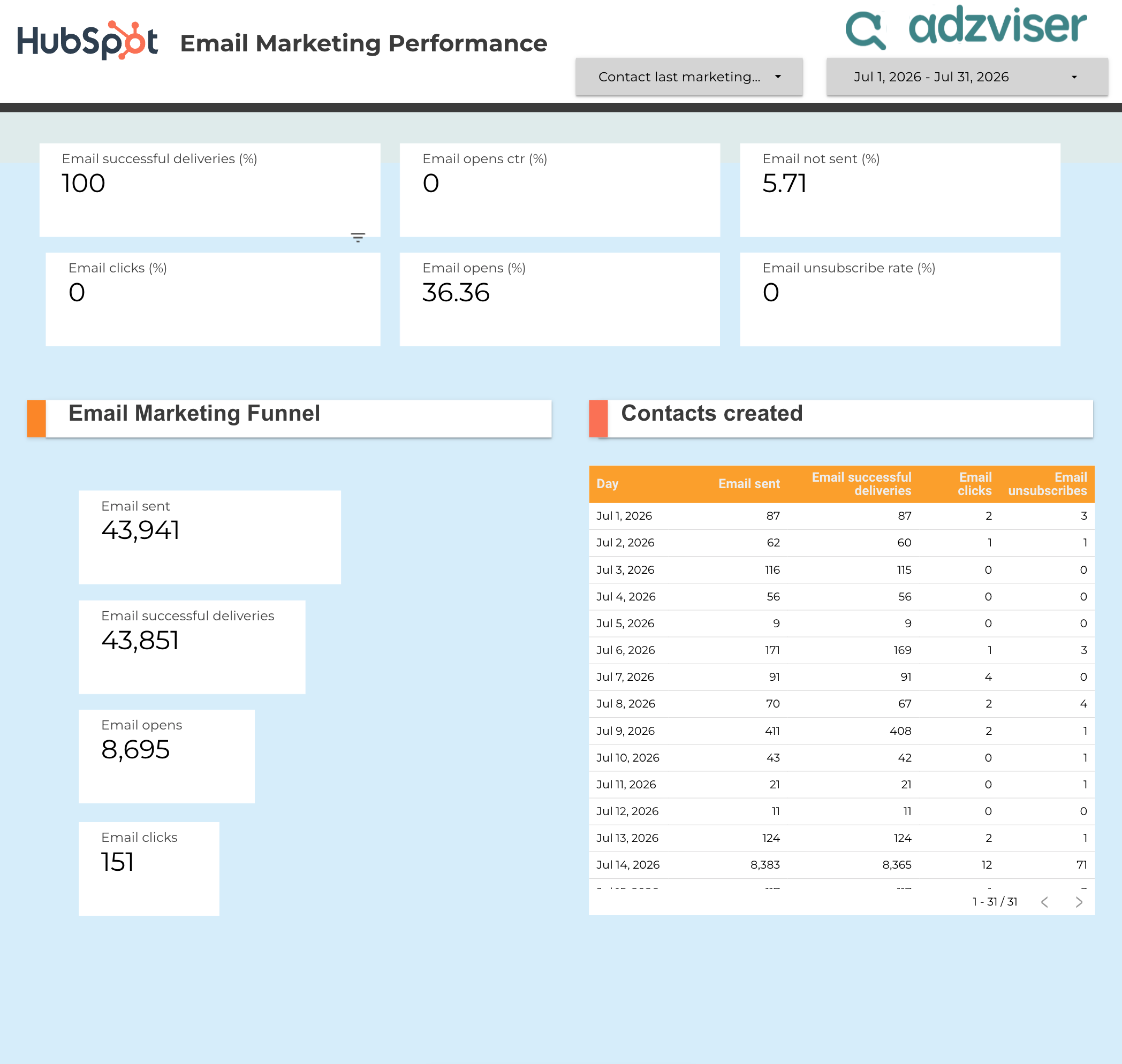
+HubSpot Data Studio Templates
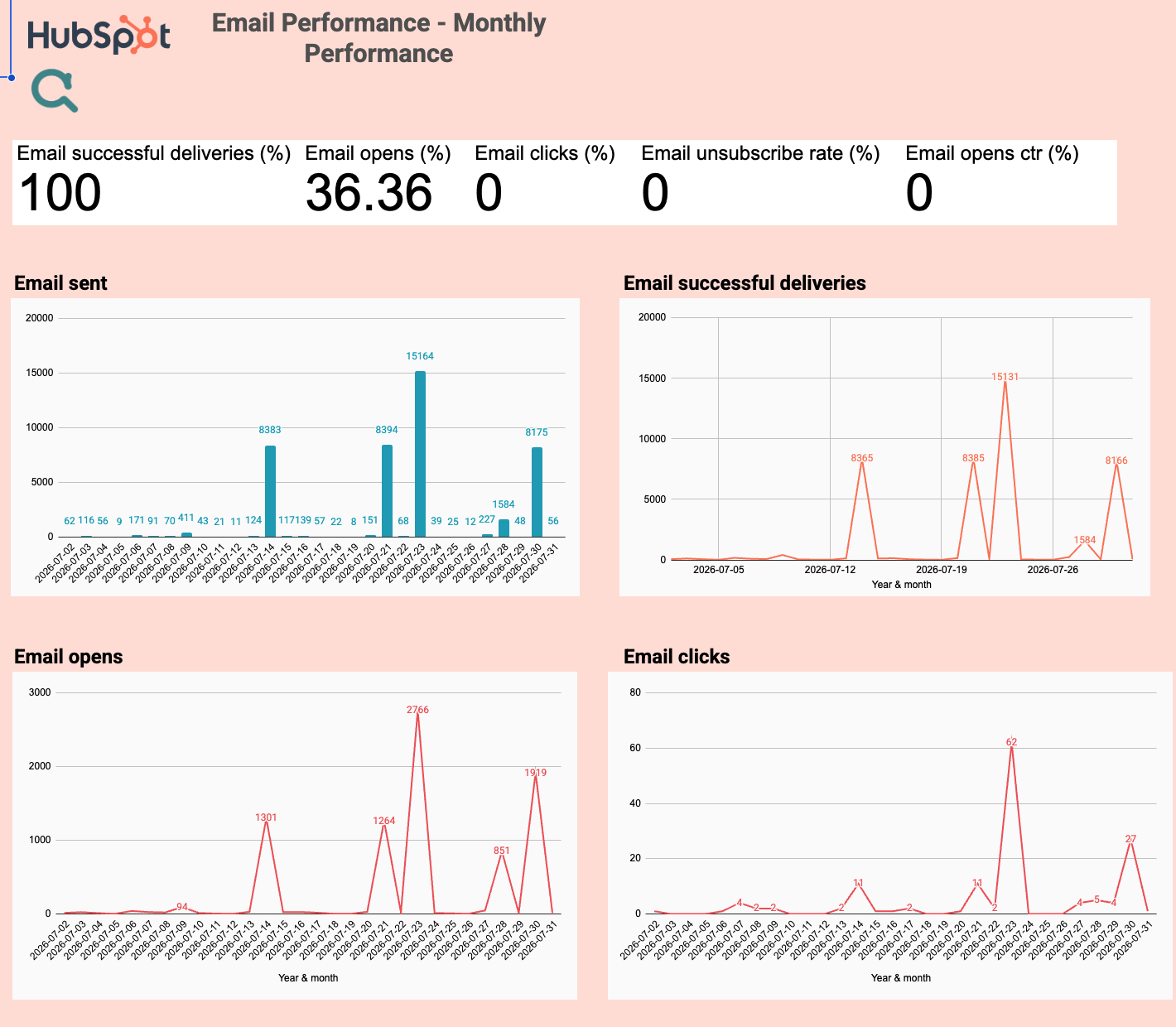
1 ready-to-use Data Studio template for HubSpot
 +
+HubSpot Google Sheets Templates
1 ready-to-use Google Sheets template for HubSpot
 +
+Instagram Insights Data Studio Templates
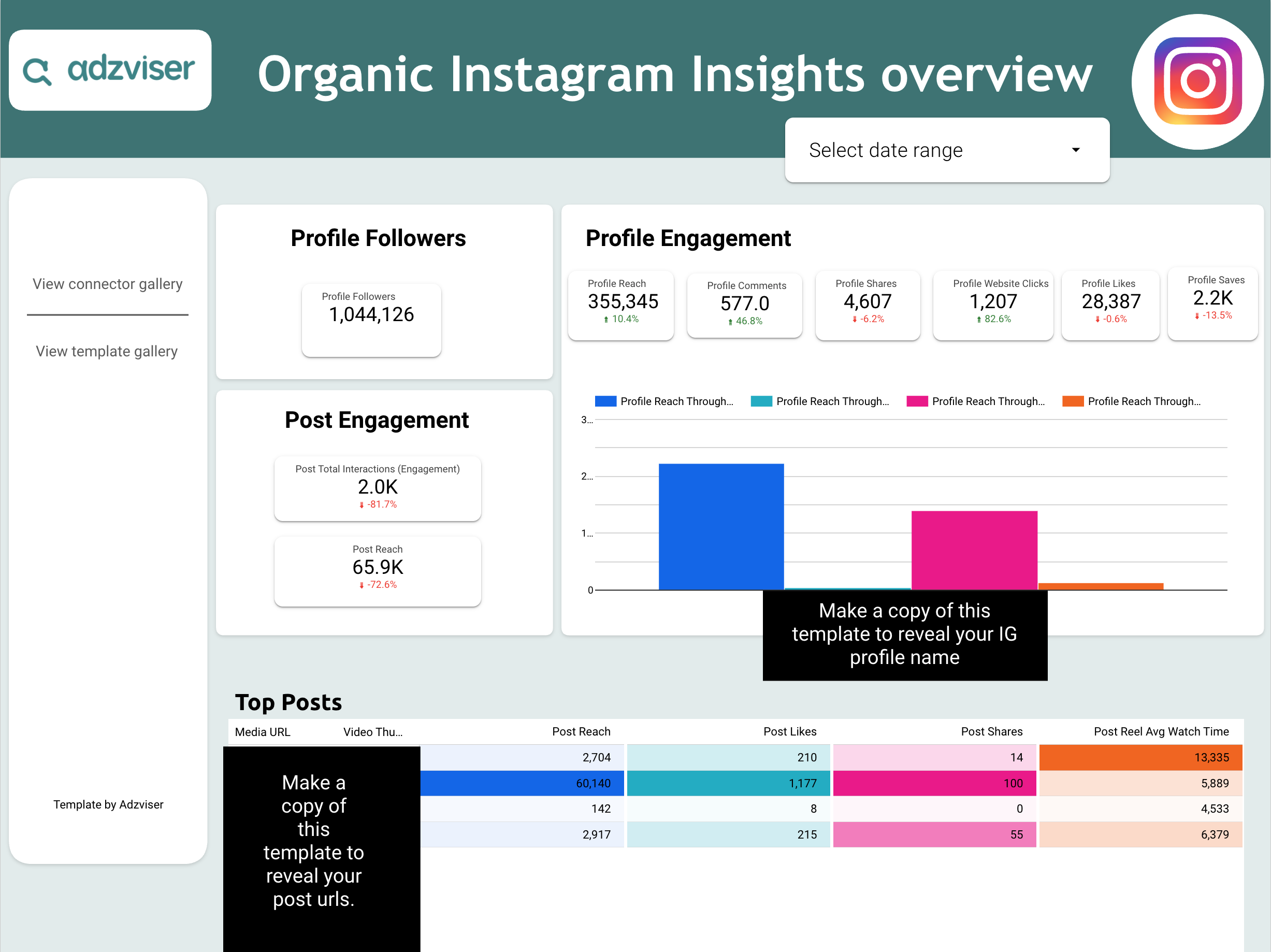
2 ready-to-use Data Studio templates for Instagram Insights
 +
+LinkedIn Ads Google Sheets Templates
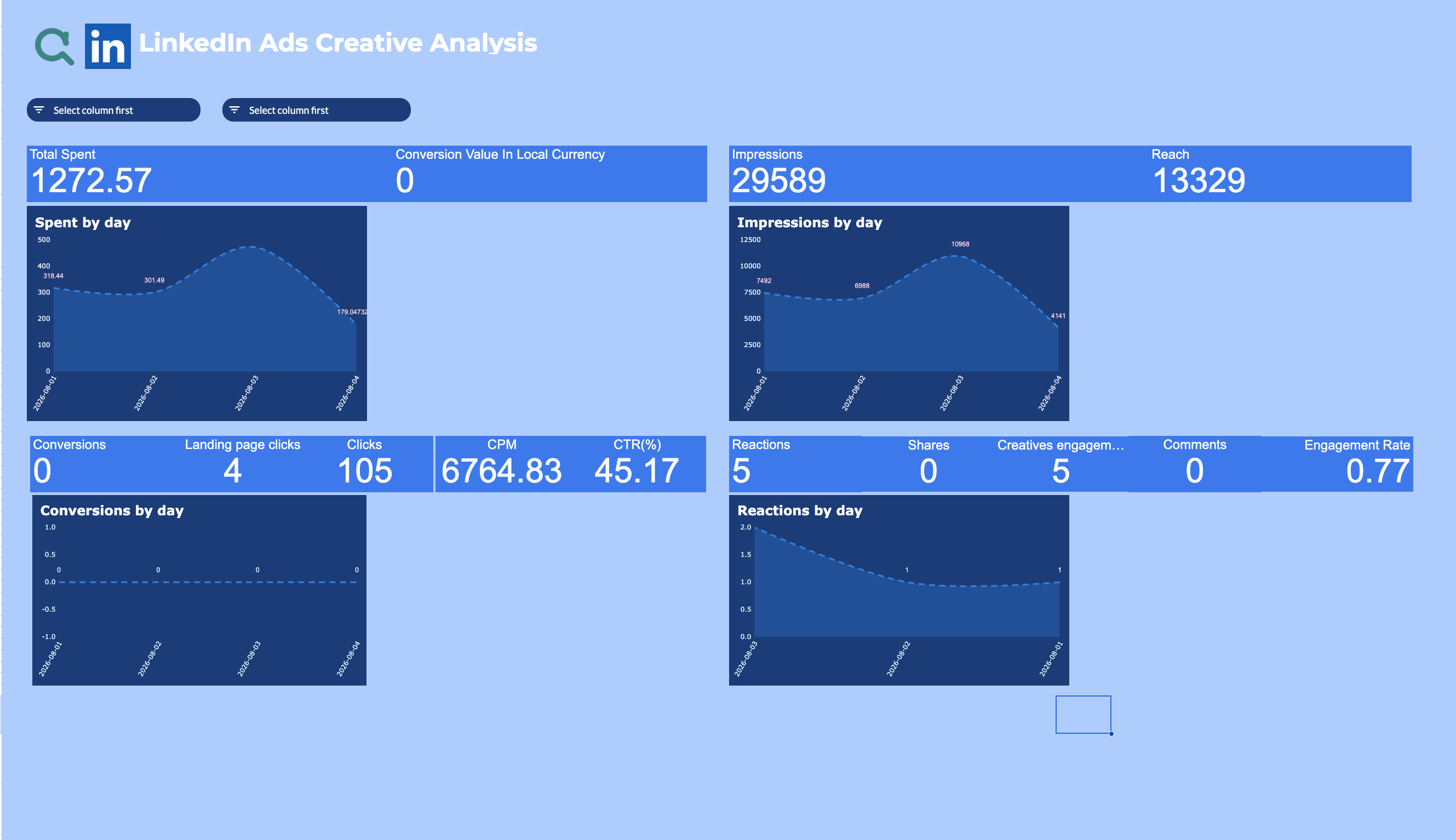
1 ready-to-use Google Sheets template for LinkedIn Ads
 +
+LinkedIn Ads Data Studio Templates
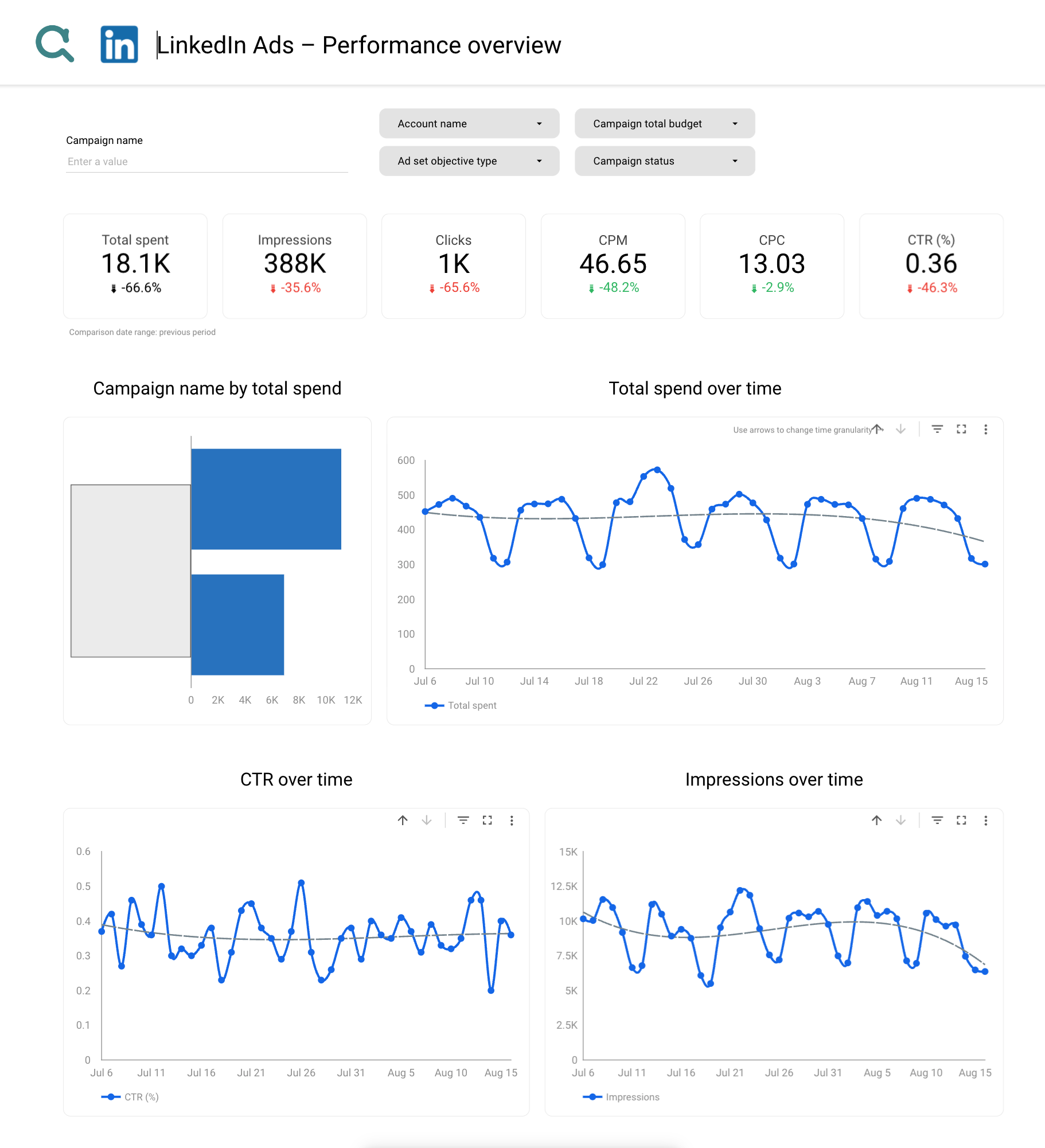
3 ready-to-use Data Studio templates for LinkedIn Ads
 +
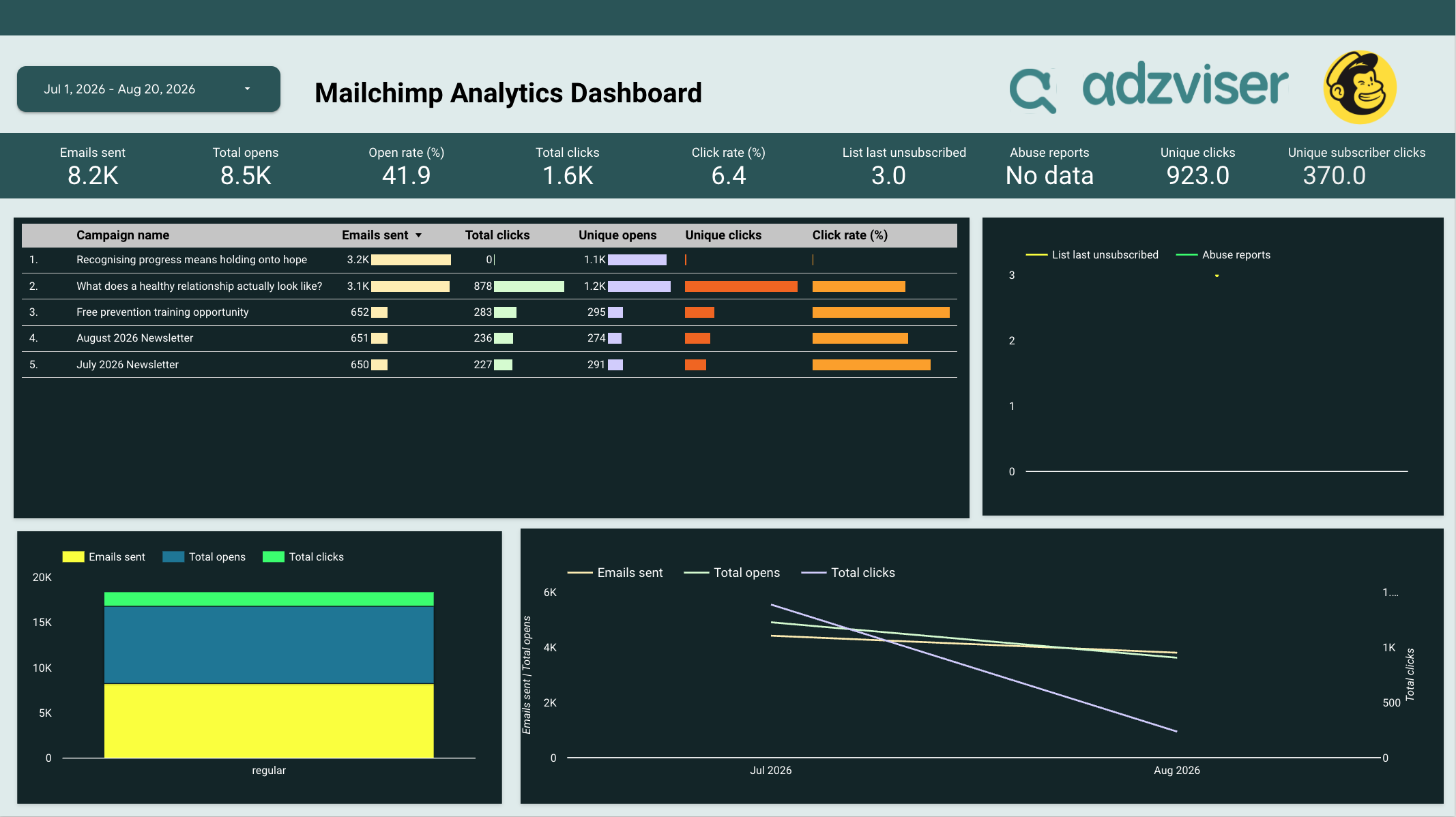
+Mailchimp Data Studio Templates
1 ready-to-use Data Studio template for Mailchimp
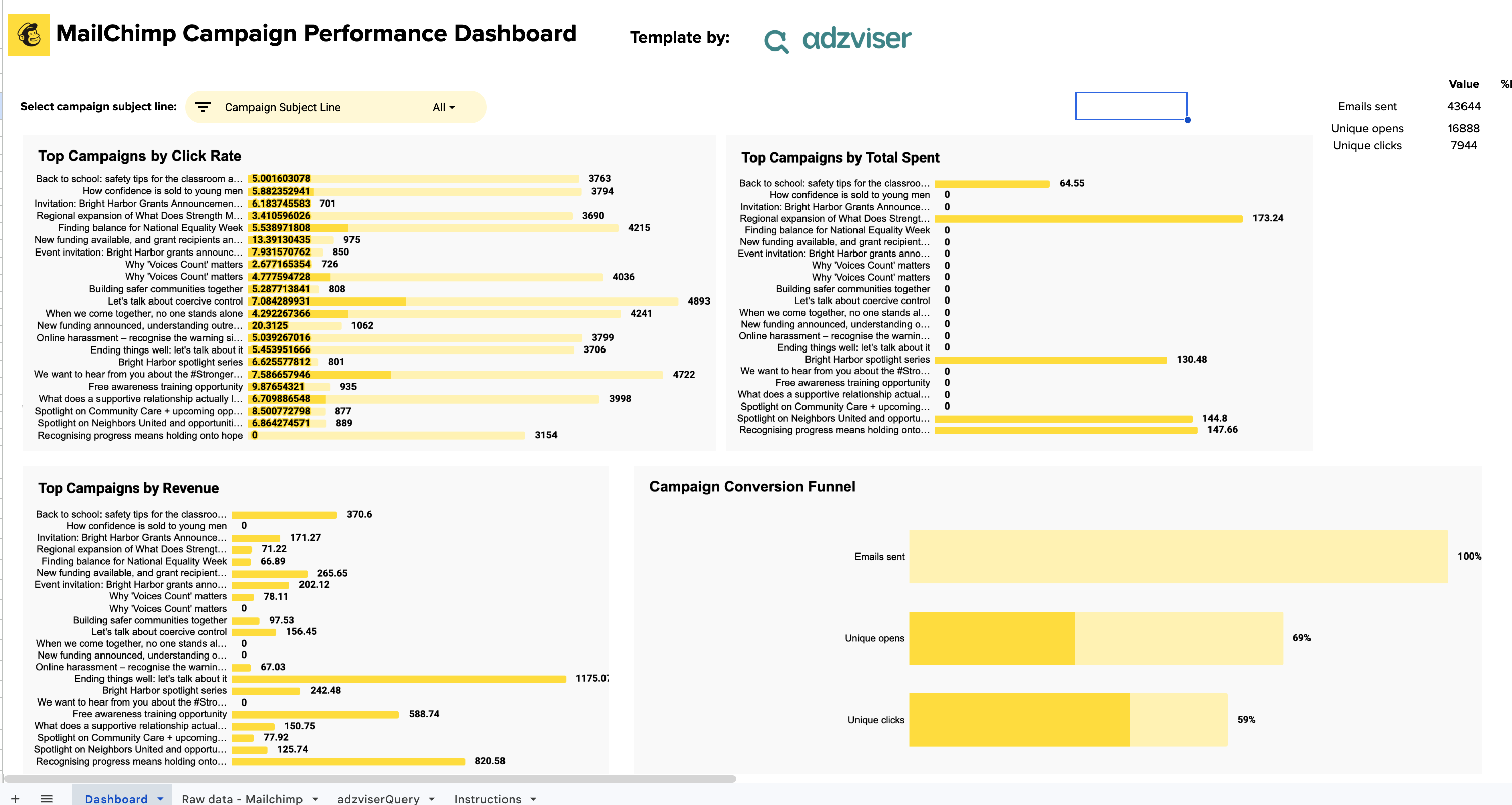 +
+Mailchimp Google Sheets Templates
1 ready-to-use Google Sheets template for Mailchimp
 +
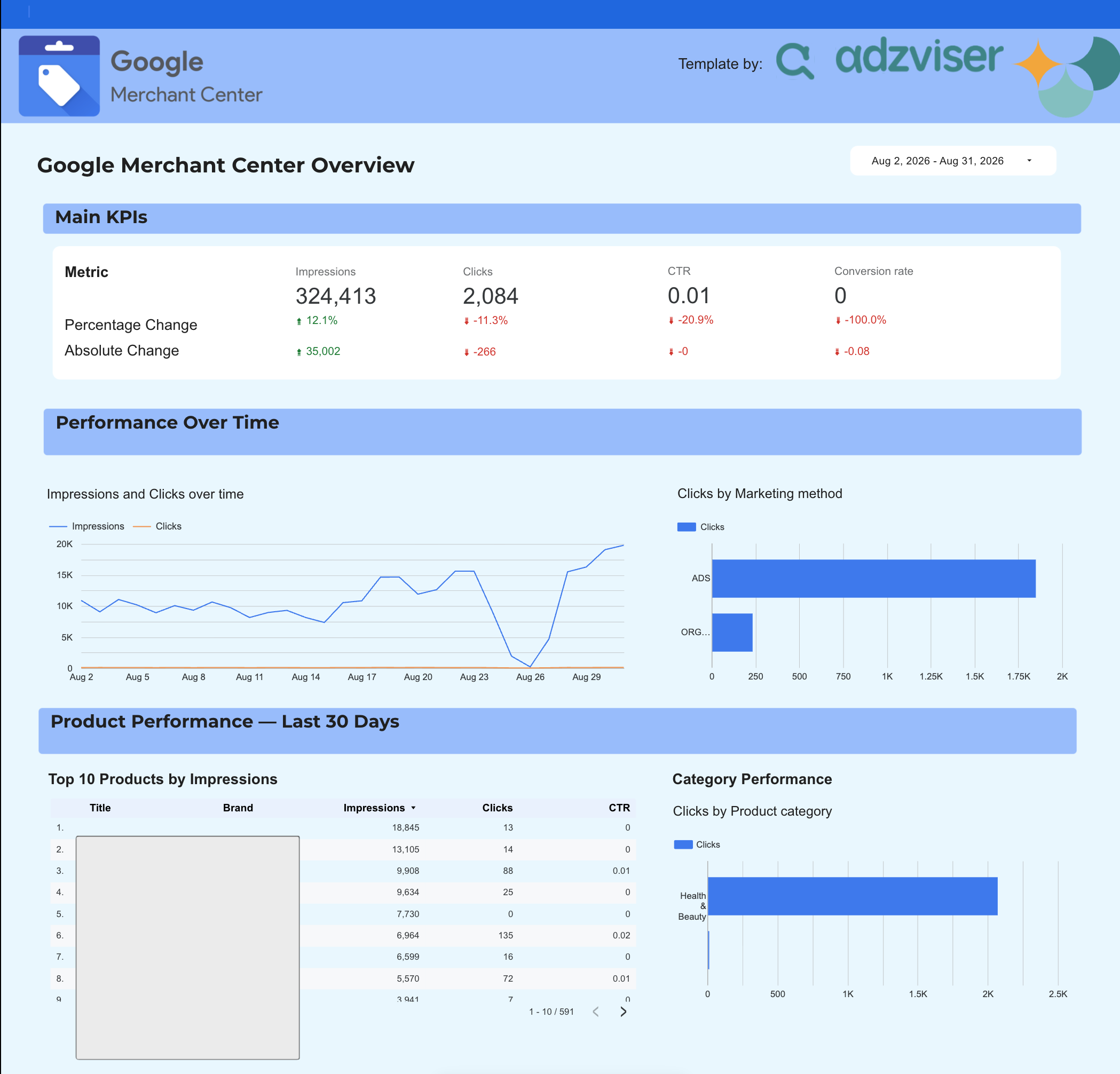
+Merchant Center Data Studio Templates
1 ready-to-use Data Studio template for Merchant Center
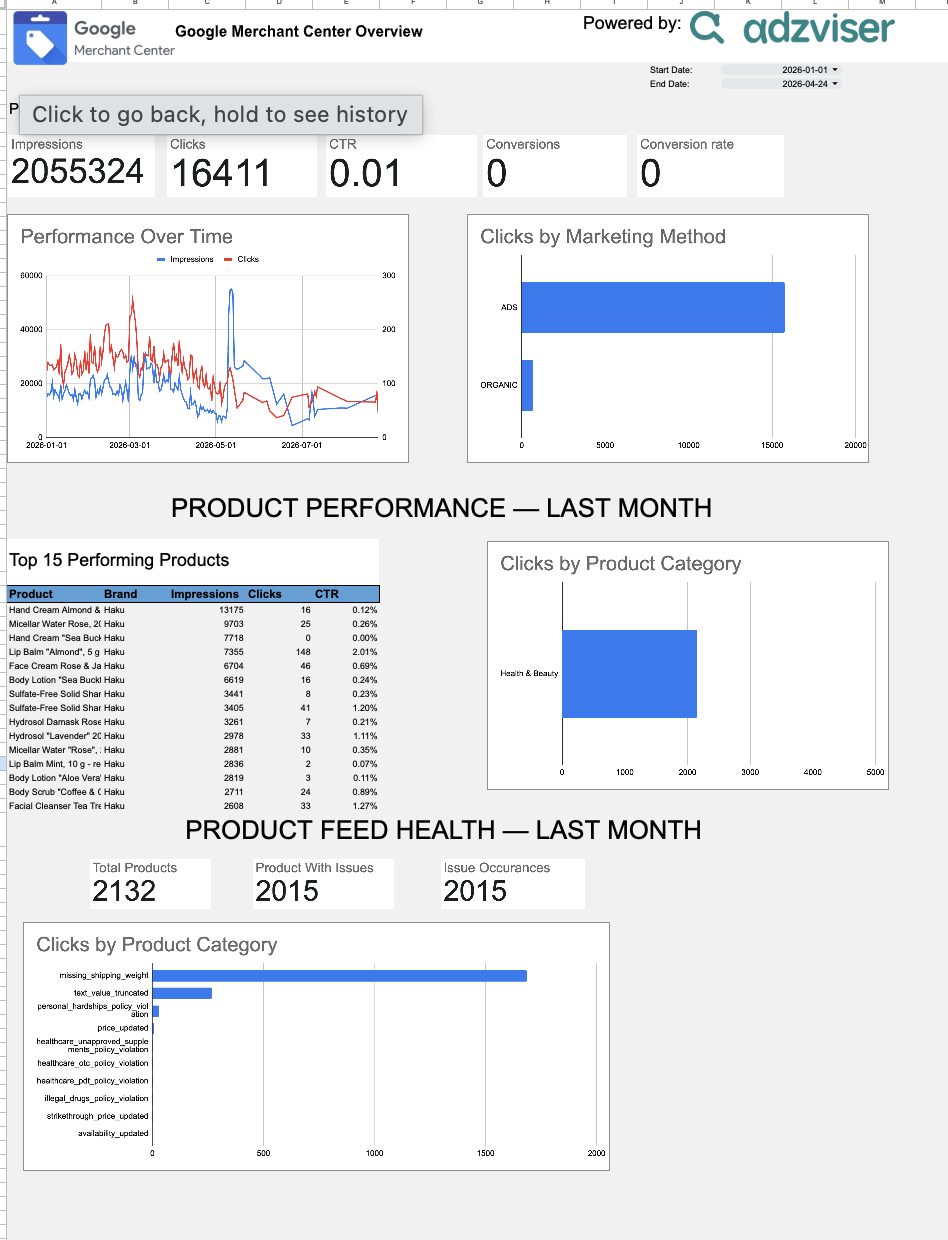 +
+Merchant Center Google Sheets Templates
1 ready-to-use Google Sheets template for Merchant Center
 +
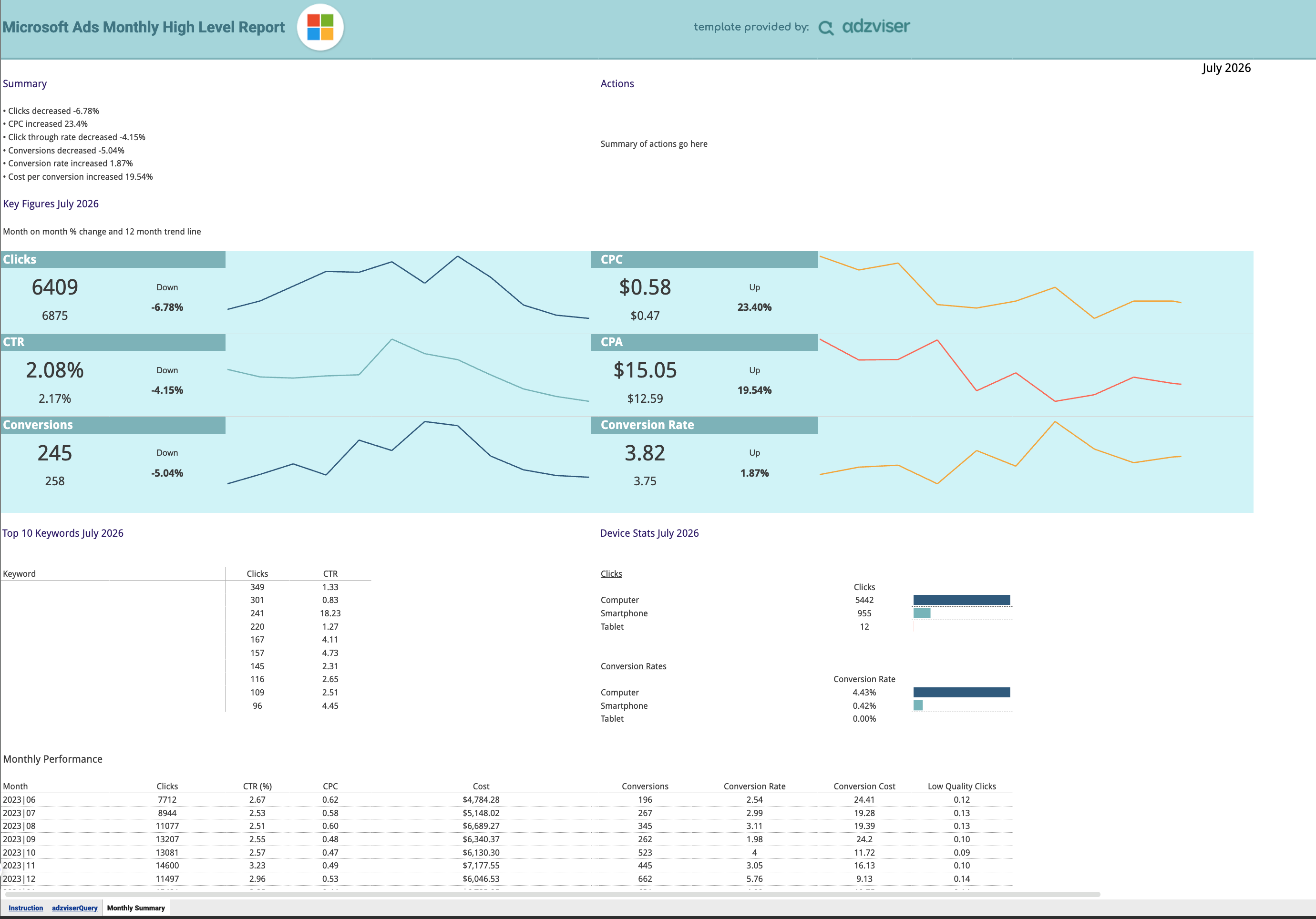
+Microsoft Ads Google Sheets Templates
1 ready-to-use Google Sheets template for Microsoft Ads
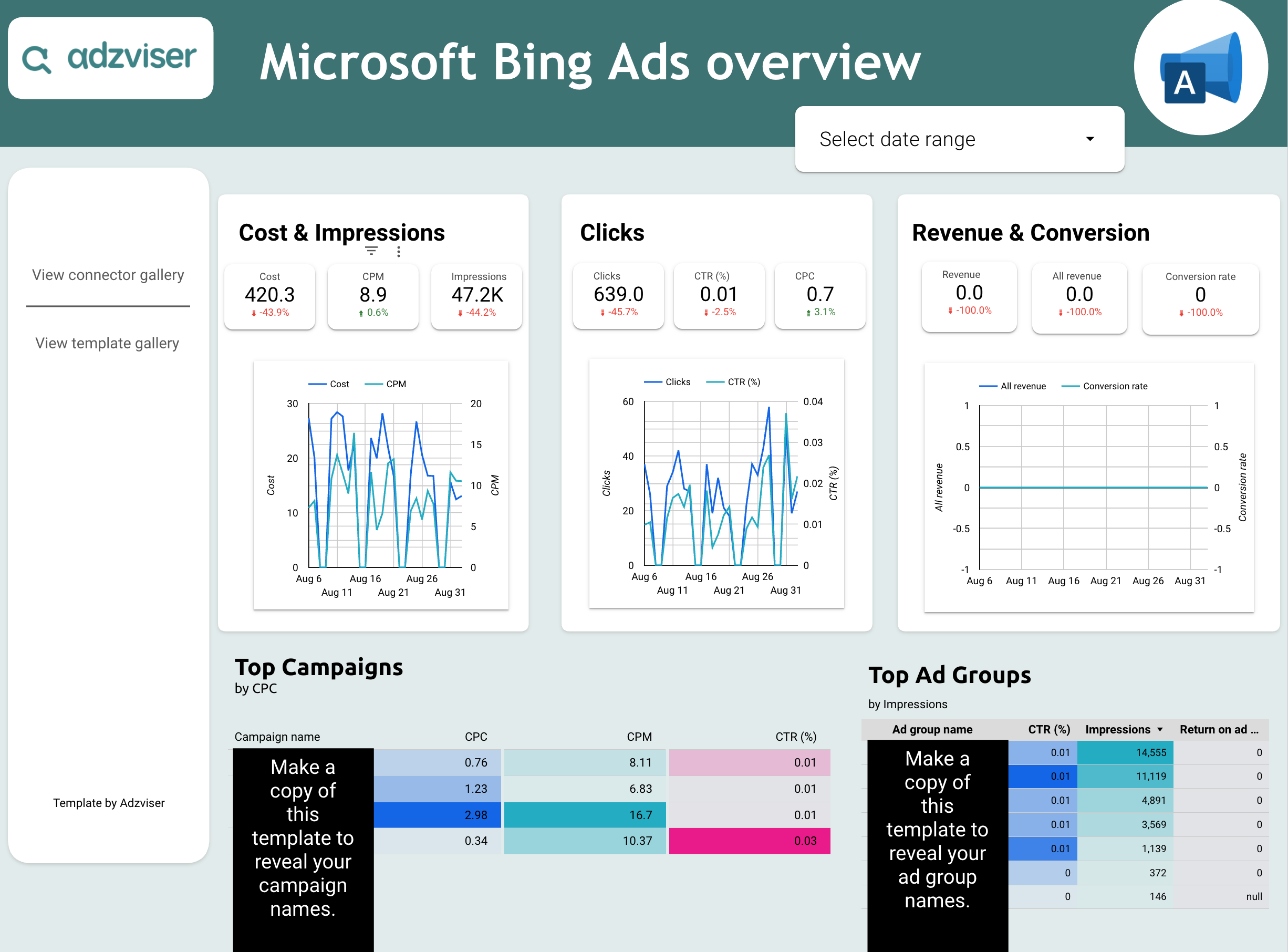 +
+Microsoft Ads Data Studio Templates
1 ready-to-use Data Studio template for Microsoft Ads
 +
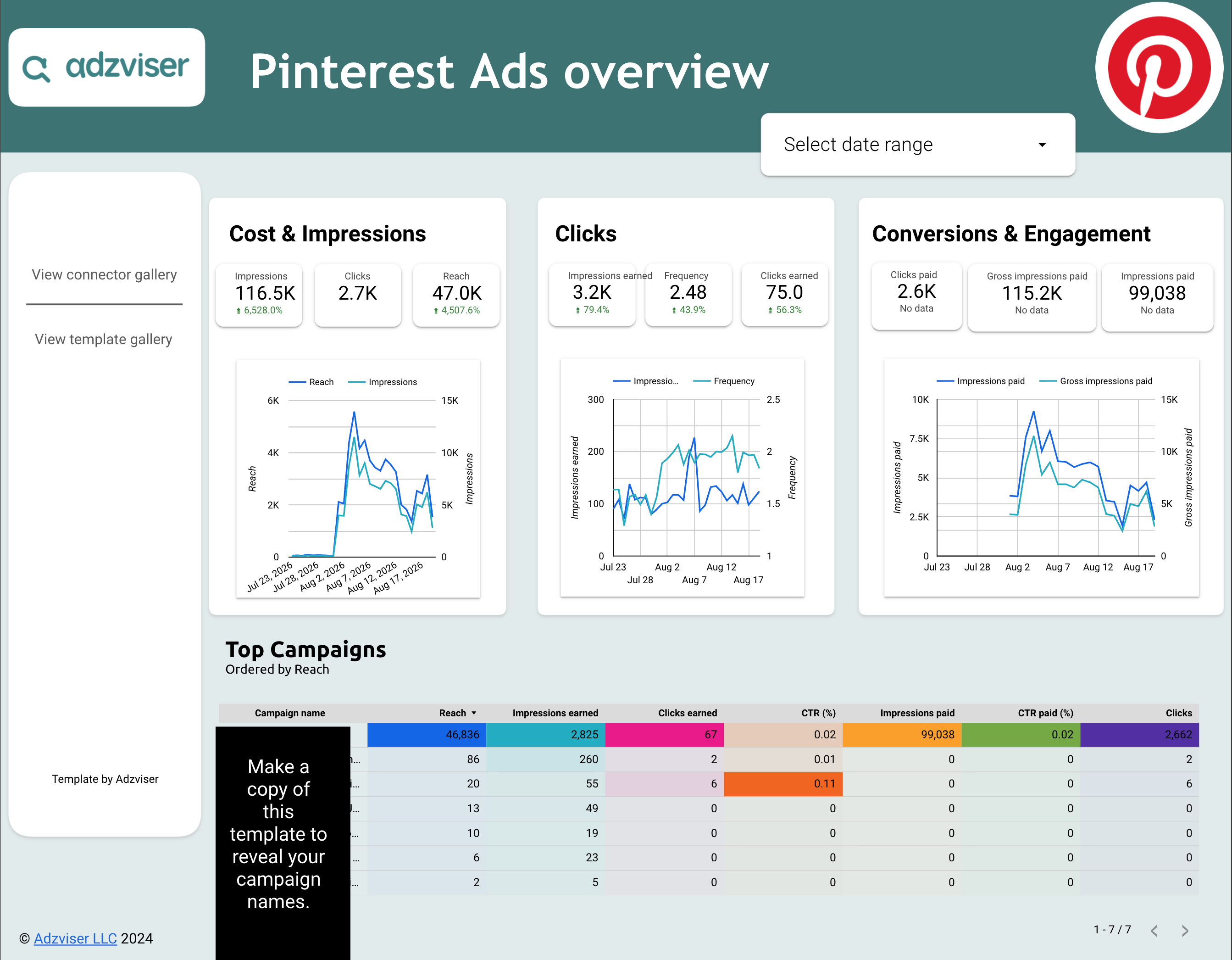
+Pinterest Ads Data Studio Templates
1 ready-to-use Data Studio template for Pinterest Ads
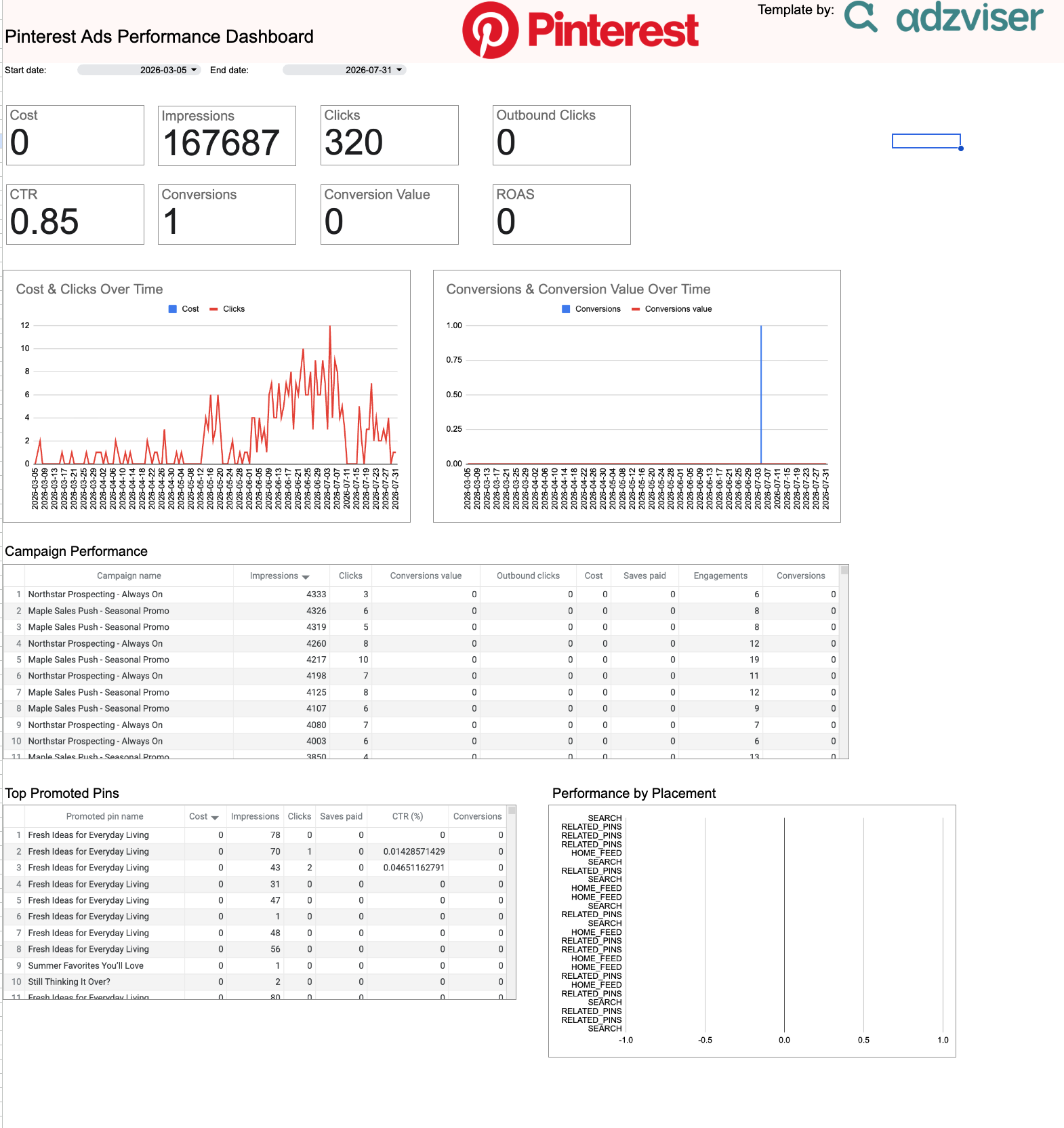 +
+Pinterest Ads Google Sheets Templates
1 ready-to-use Google Sheets template for Pinterest Ads
 +
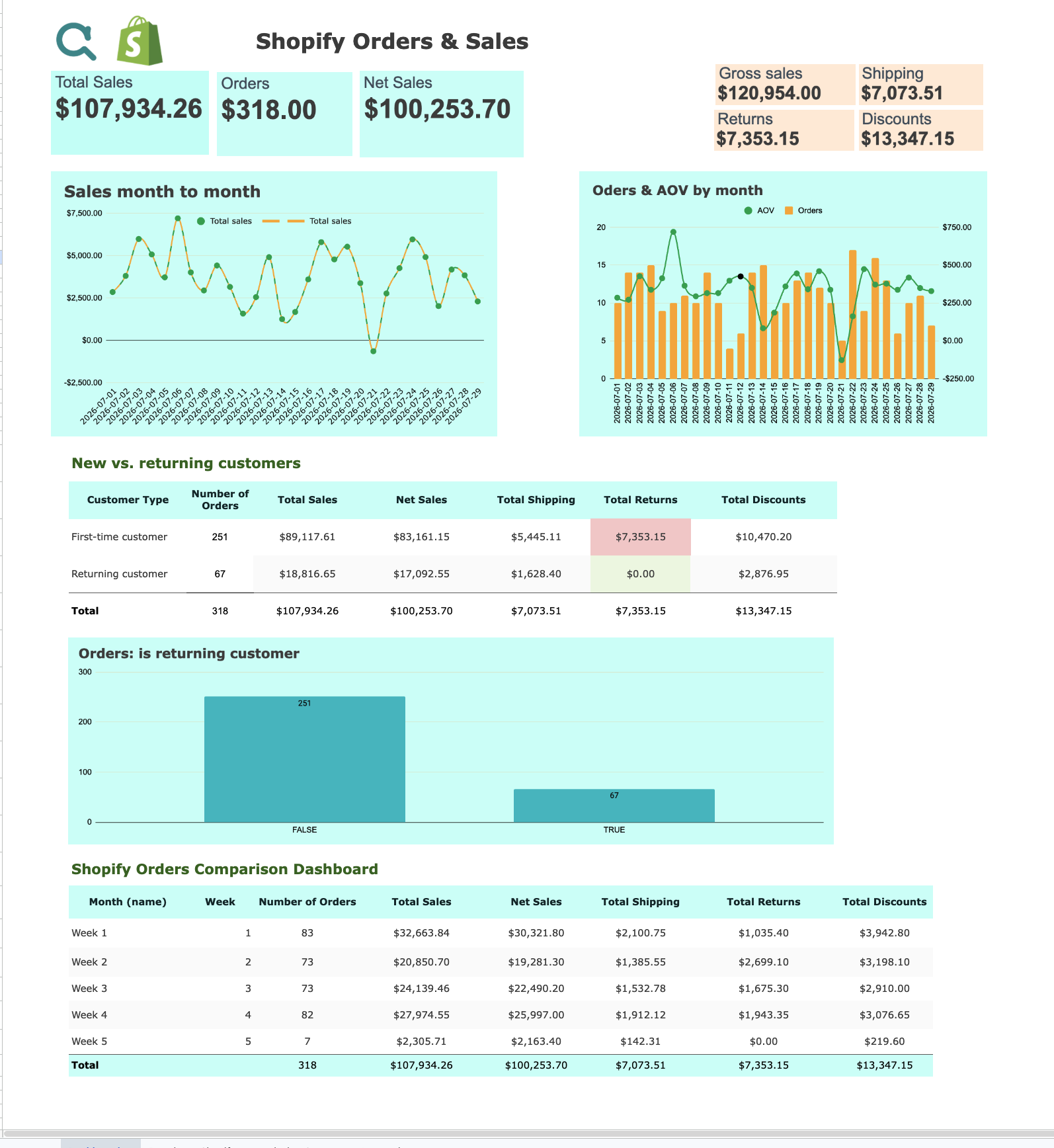
+Shopify Google Sheets Templates
1 ready-to-use Google Sheets template for Shopify
 +
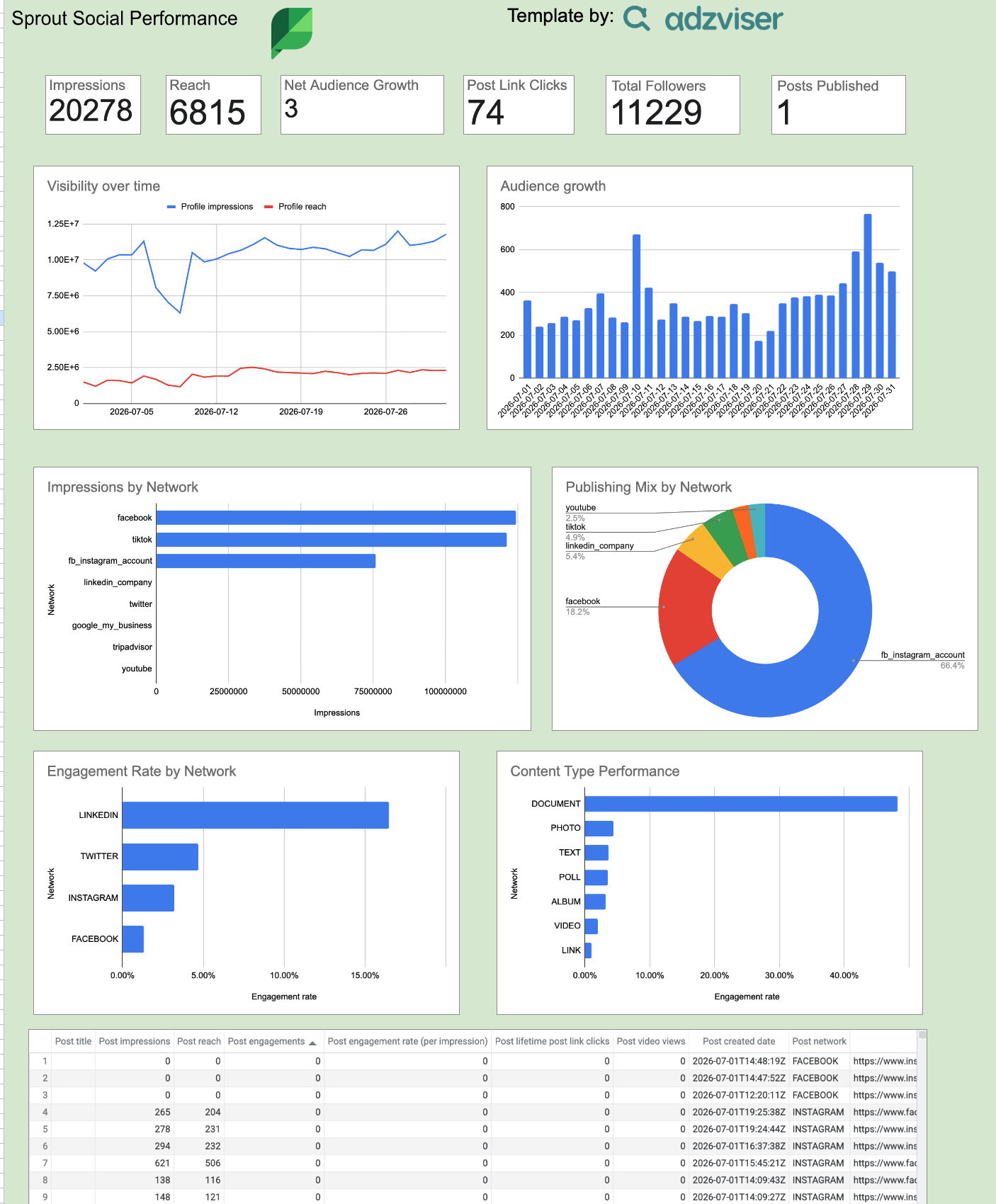
+Sprout Social Google Sheets Templates
1 ready-to-use Google Sheets template for Sprout Social
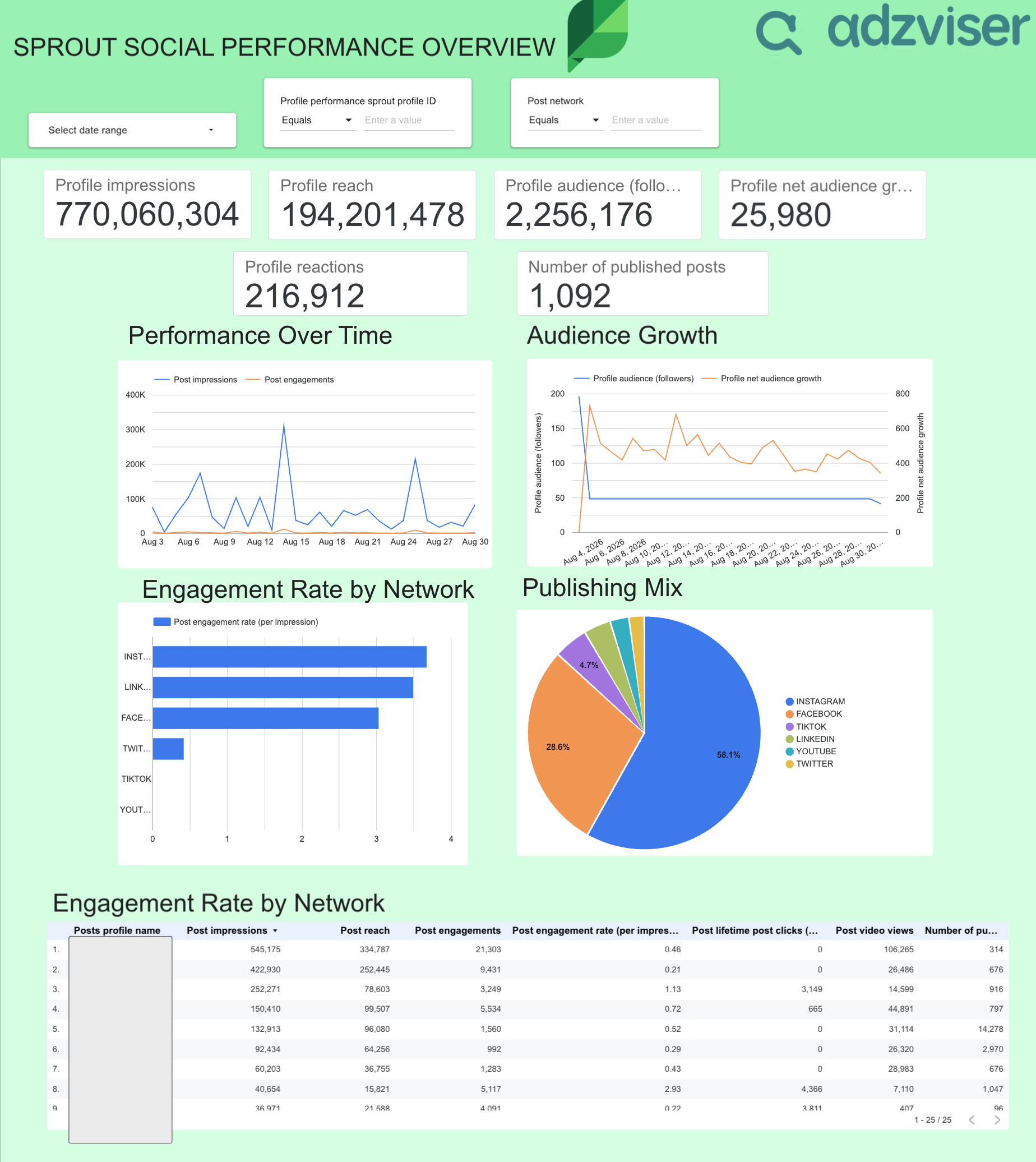 +
+Sprout Social Data Studio Templates
1 ready-to-use Data Studio template for Sprout Social
 +
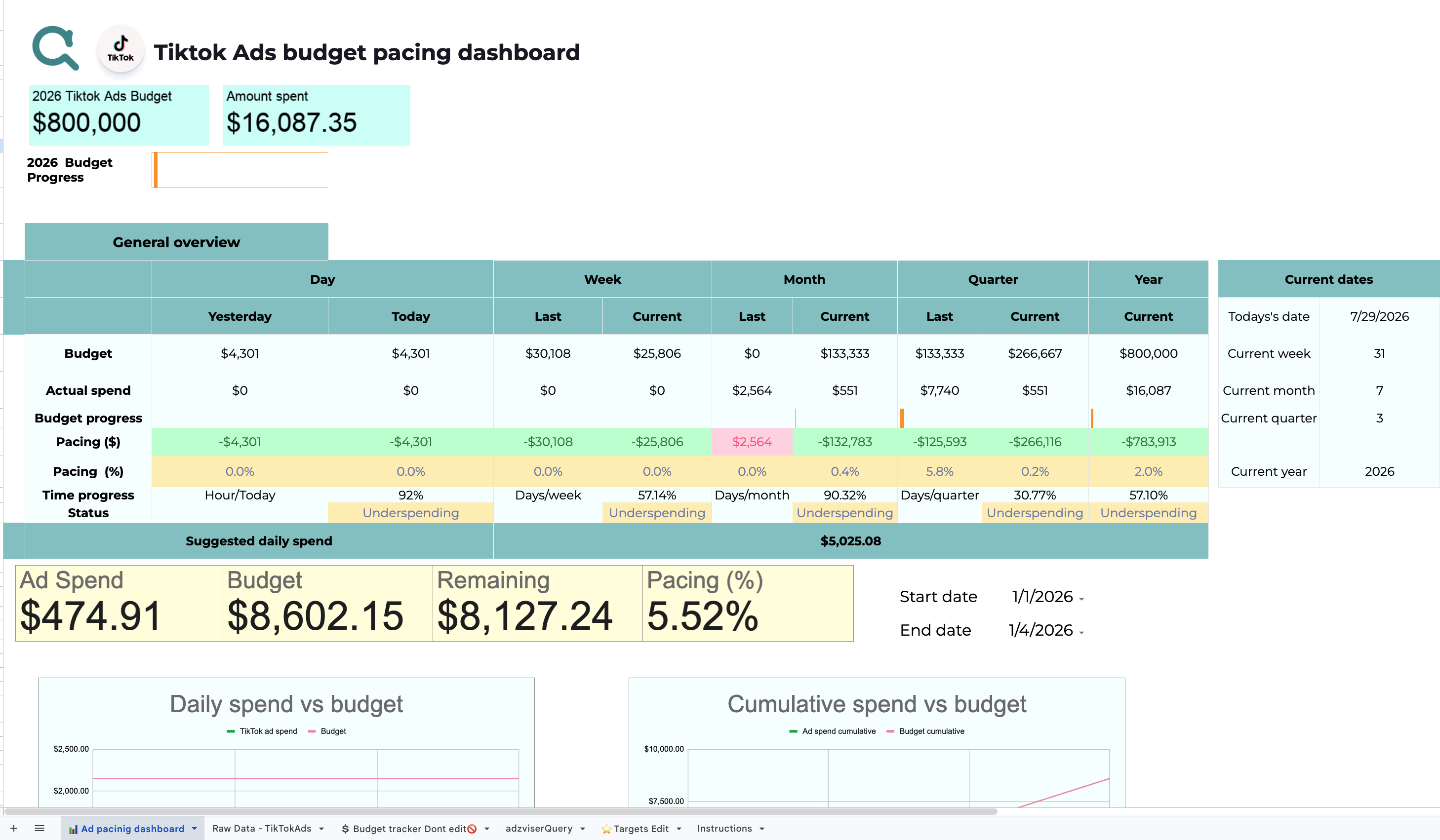
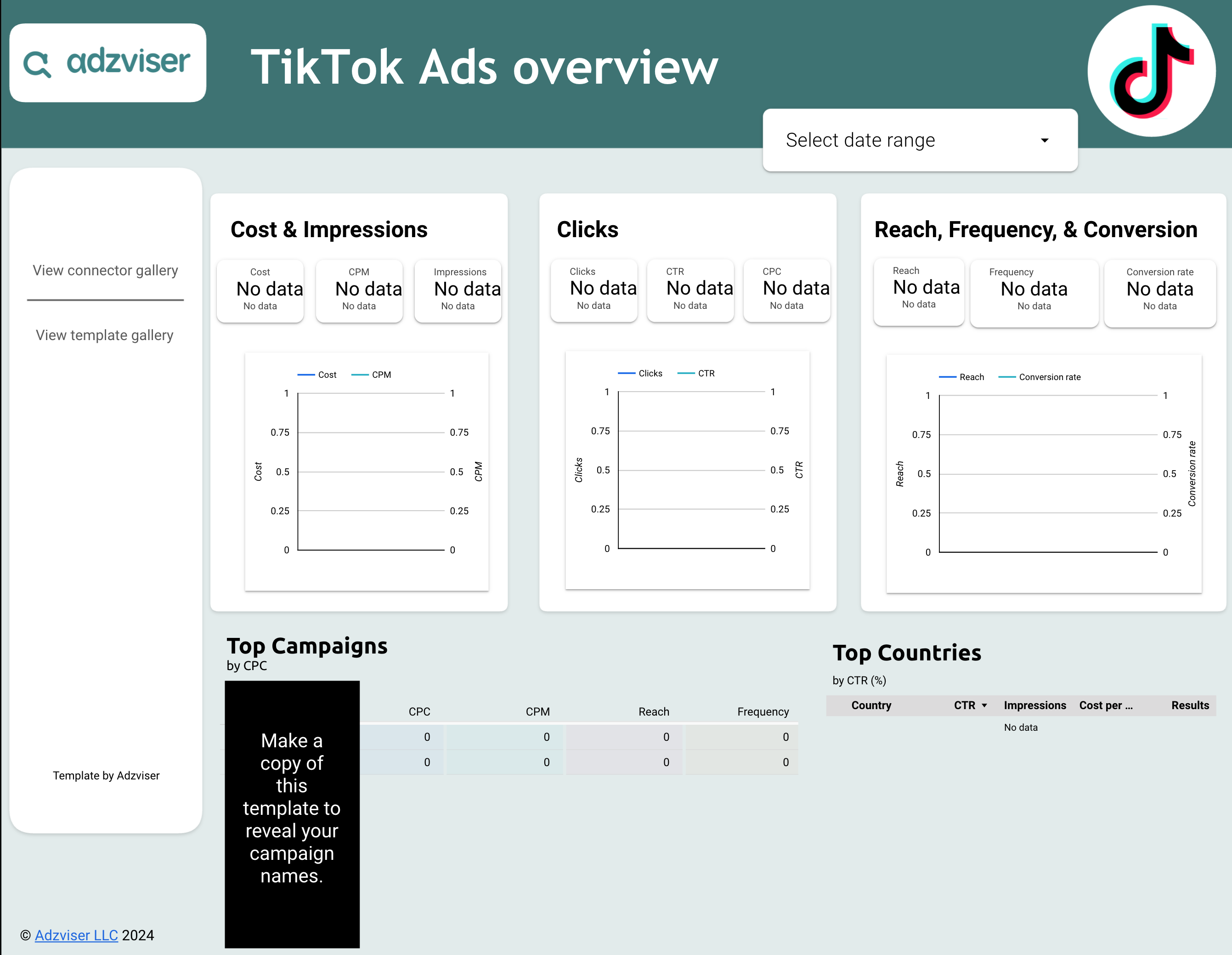
+TikTok Ads Google Sheets Templates
2 ready-to-use Google Sheets templates for TikTok Ads
 +
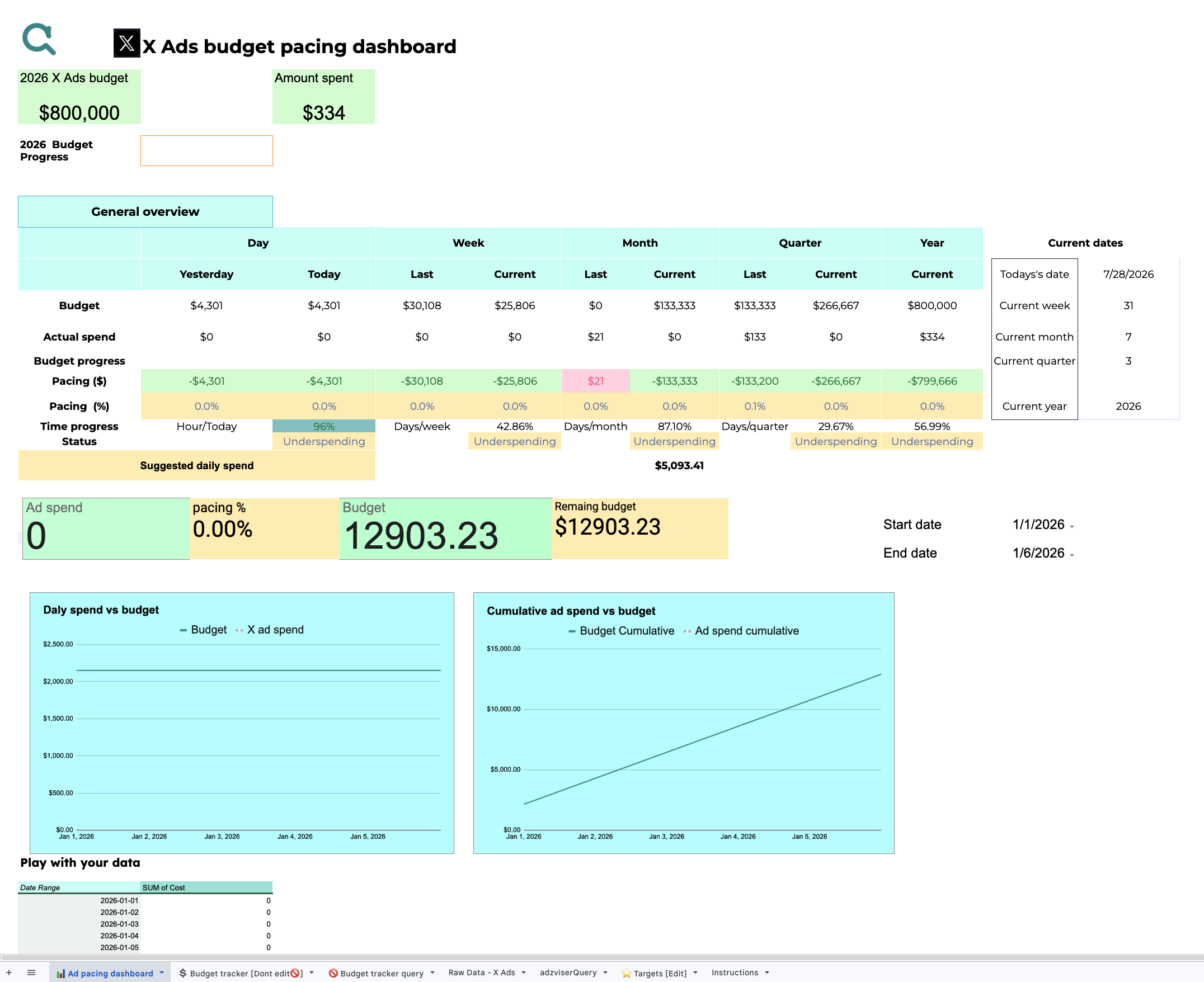
+TikTok Ads Data Studio Templates
1 ready-to-use Data Studio template for TikTok Ads
 +
+X Ads Google Sheets Templates
1 ready-to-use Google Sheets template for X Ads
How Adzviser Reporting Templates Work
Start with a proven report structure, connect the matching source, and adapt the result to your reporting workflow.
Choose a template
Preview a report built for your data source and reporting destination.
Connect your data
Authorize the matching marketing account through Adzviser and select the data you need.
Customize and share
Adjust metrics, formulas, charts, filters, colors, and branding for your workflow.
Trusted by Agencies, Freelancers, and Founders
See how agencies and marketing teams use Adzviser to automate recurring reporting, organize client data, and deliver performance insights.
Marketing Report Template FAQs
Every template is free to open, copy, and customize. You need an Adzviser account when you replace the sample data with live data from a supported marketing platform. Connector access starts with Adzviser's 14-day trial. See Adzviser pricing →
First, copy the template and connect the matching source to an Adzviser workspace. In Data Studio, replace the template's sample connection with your Adzviser data source. In Google Sheets, enter your workspace in the adzviserQuery sheet and run Refresh all queries from the Adzviser add-on.
Data Studio requests fresh data through the connected Adzviser data source and follows its configured data-freshness behavior. In Google Sheets, you can refresh all queries manually or schedule automatic refresh triggers from the Adzviser add-on. See Google Sheets refresh instructions →
Yes. Adzviser workspaces can contain multiple connected accounts, and Google Sheets can query multiple accounts of the same source. For client reporting, you can also keep a separate template copy per client so filters, branding, and access remain independent.
Yes. You can add supported Adzviser sources to the same reporting workflow. In Data Studio, add or blend the required data sources. In Google Sheets, pull each source into the workbook and combine the results with formulas, lookups, pivot tables, or charts.
Yes. Your copy is fully editable. Data Studio templates let you change charts, controls, calculated fields, colors, logos, and report pages. Google Sheets templates let you modify queries, date ranges, formulas, tabs, pivot tables, charts, and formatting.
The usual cause is that the copied template is still pointing to its sample source. Confirm that the matching account is connected to your Adzviser workspace, replace the Data Studio data source or workspace name as instructed, and refresh the report. Also make sure you are signed into the Google account that owns the copy.

