Skip the blank spreadsheet
Start with a useful reporting layout for monthly performance, creative analysis, budget pacing, inventory, sales, or engagement.
Copy a ready-to-use marketing spreadsheet for campaign reporting, budget pacing, CRM analysis, or e-commerce tracking. Connect your data through Adzviser and keep the report flexible.
Choose a spreadsheet designed for the platform and workflow you need. Each collection gives you a practical reporting structure you can copy, calculate in, and customize.
 +
+
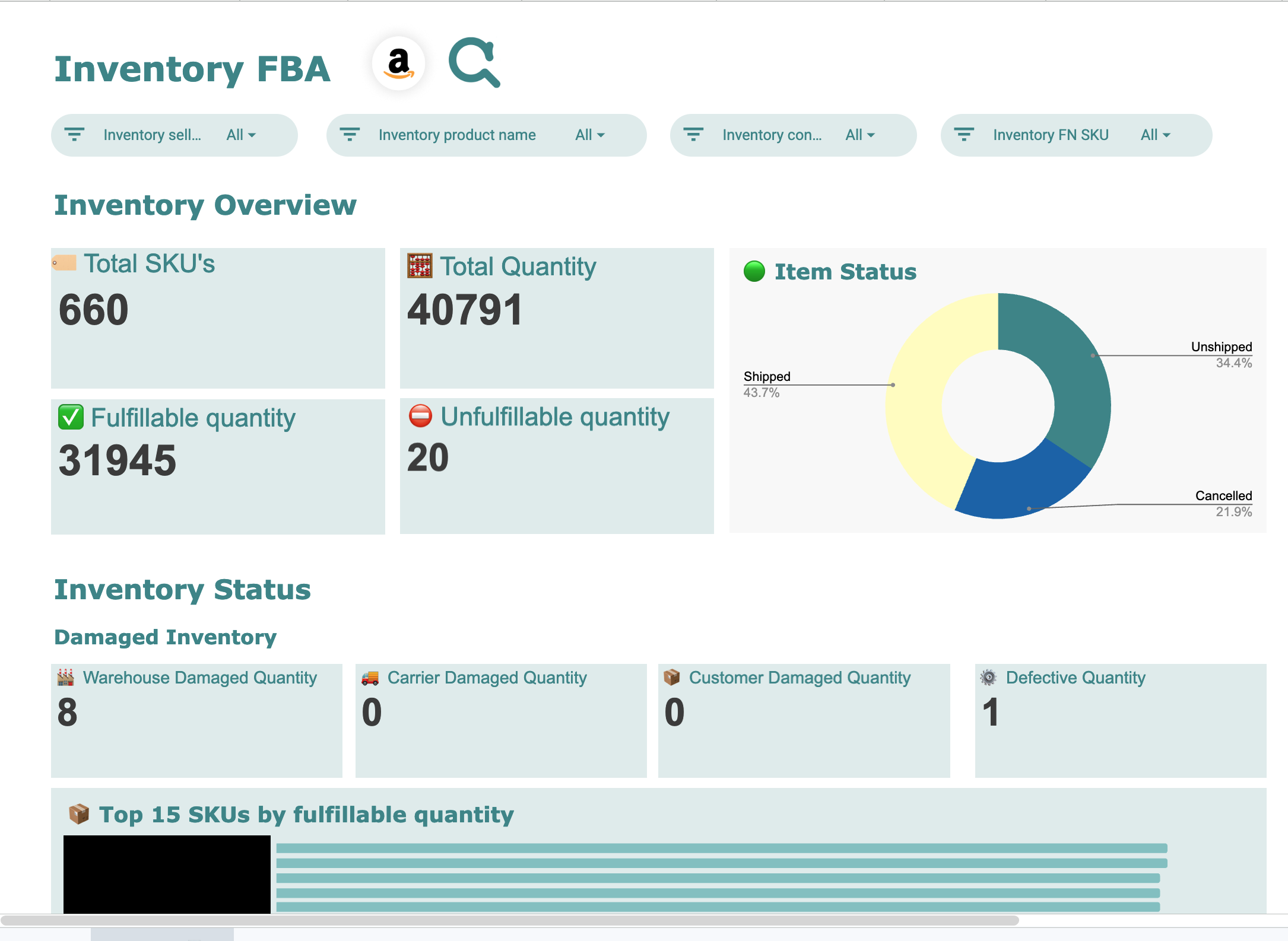
1 ready-to-use template for Amazon Seller Central
 +
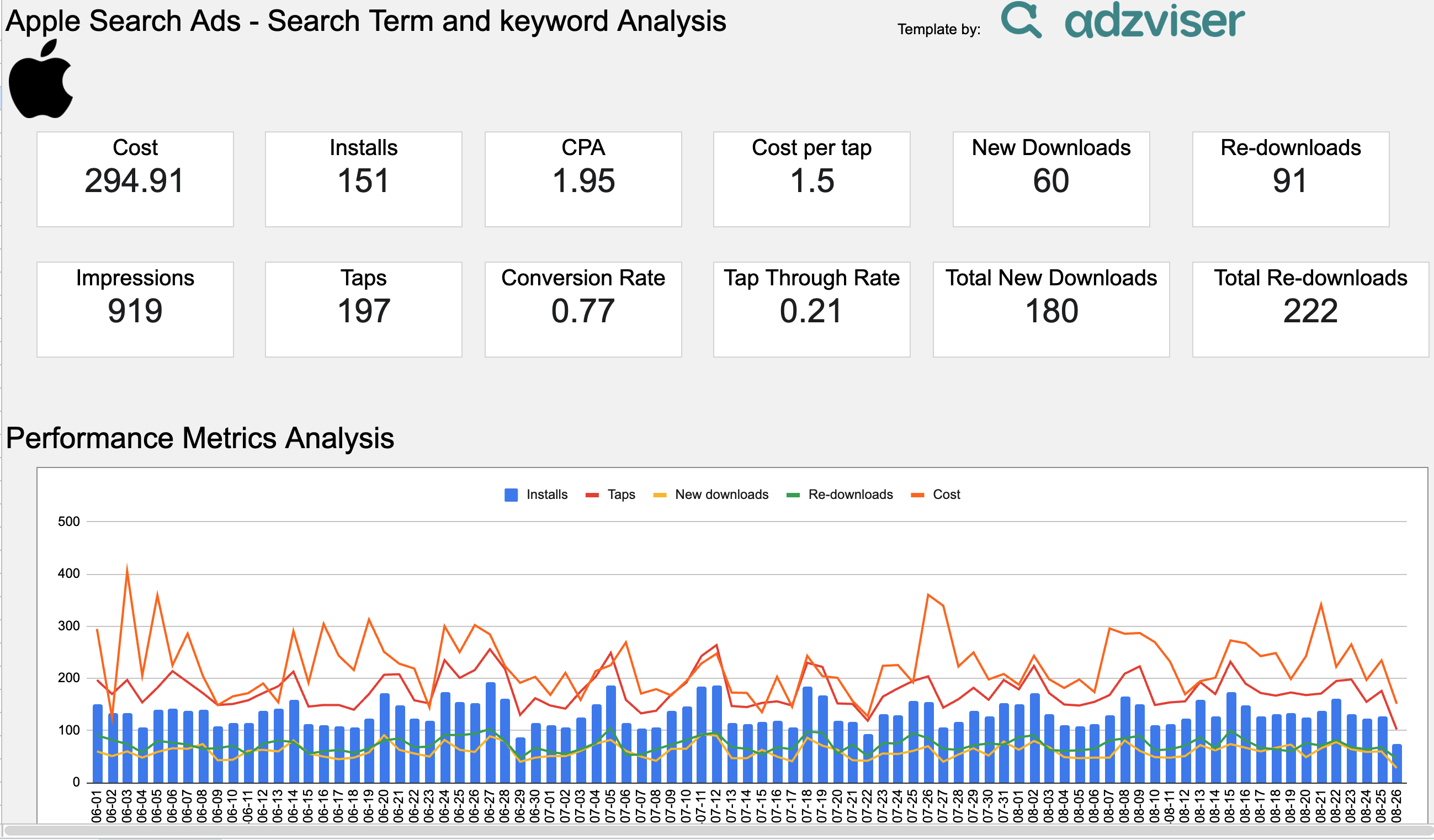
+1 ready-to-use template for Apple Ads
 +
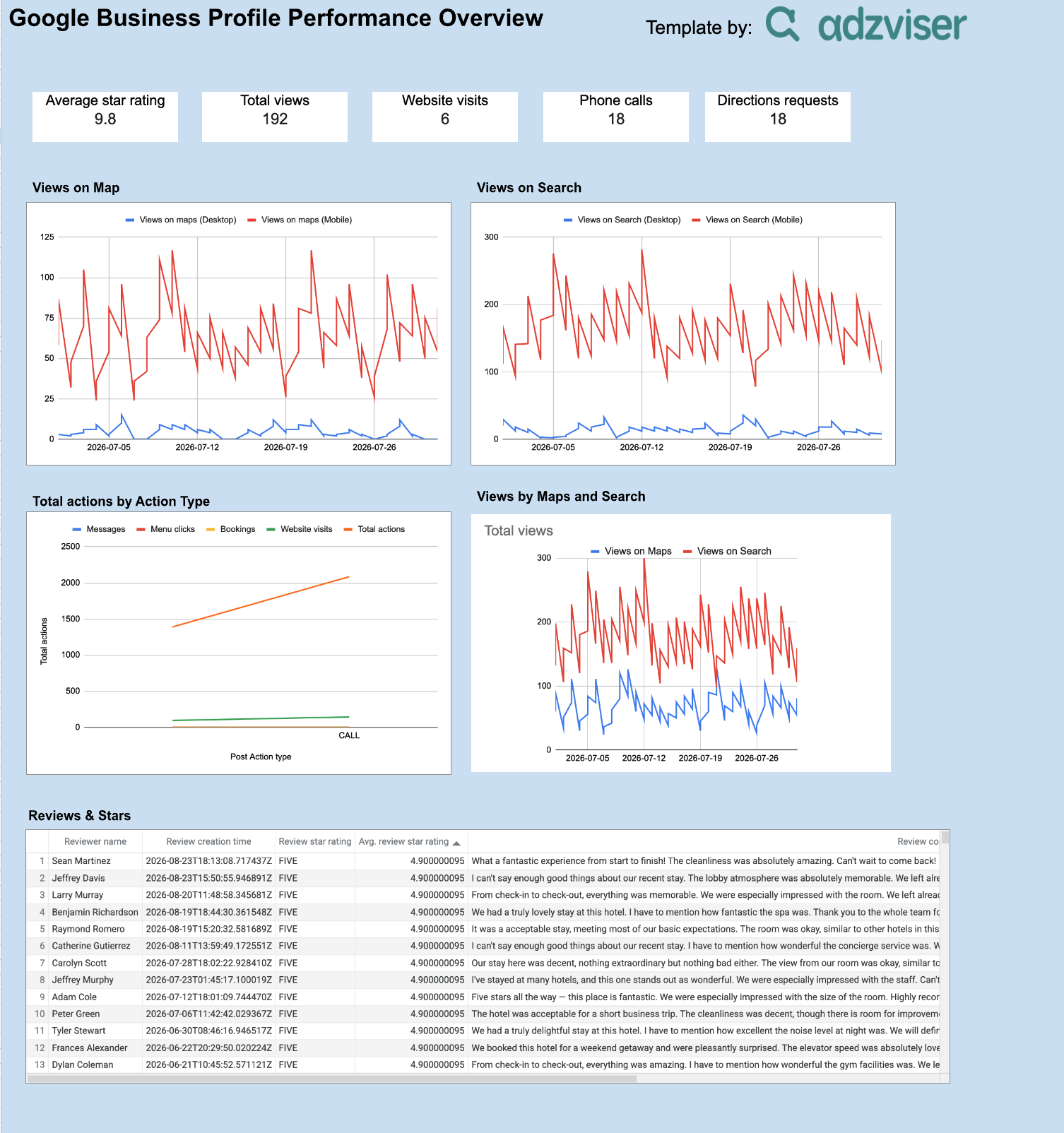
+1 ready-to-use template for Business Profile
 +
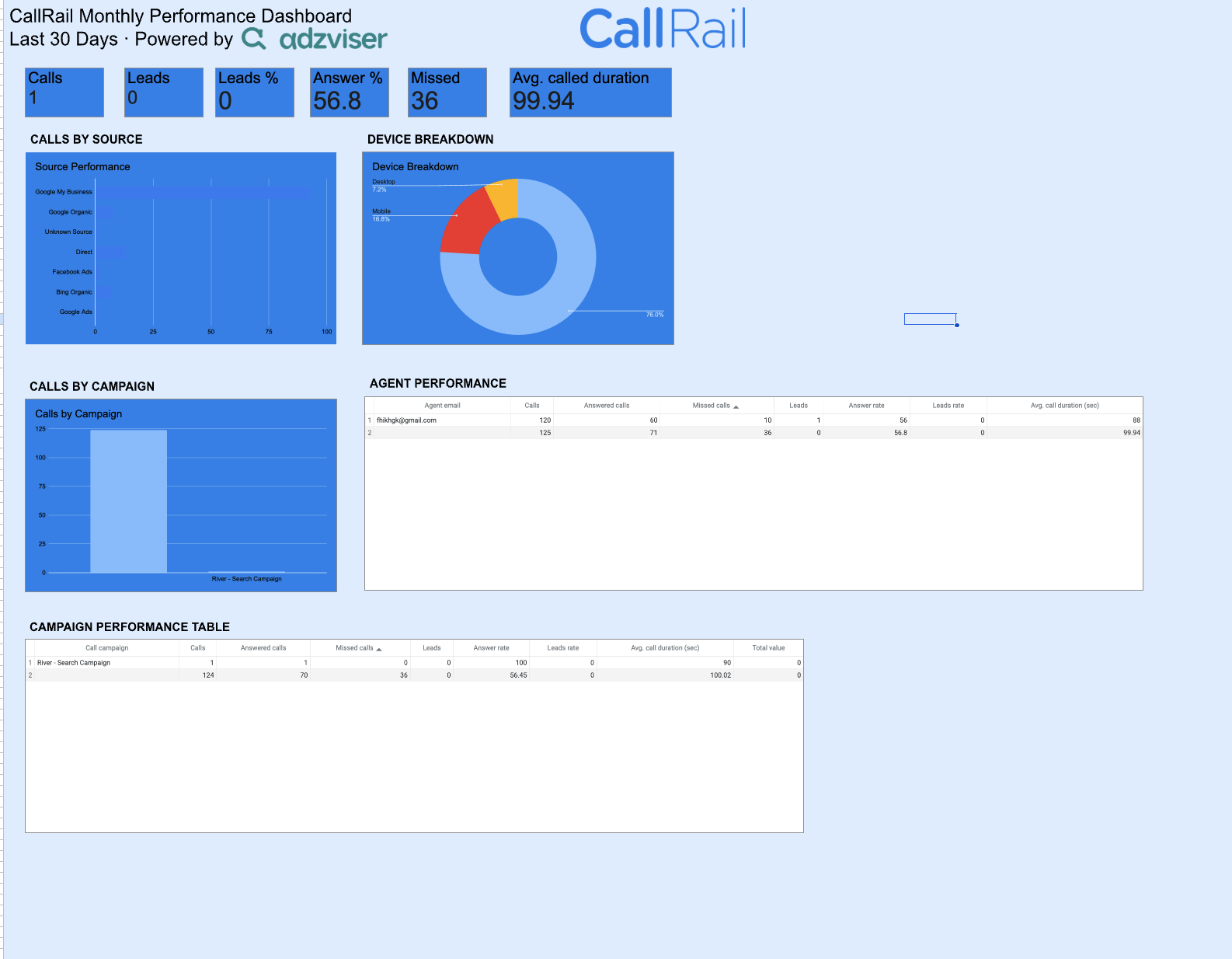
+1 ready-to-use template for CallRail
 +
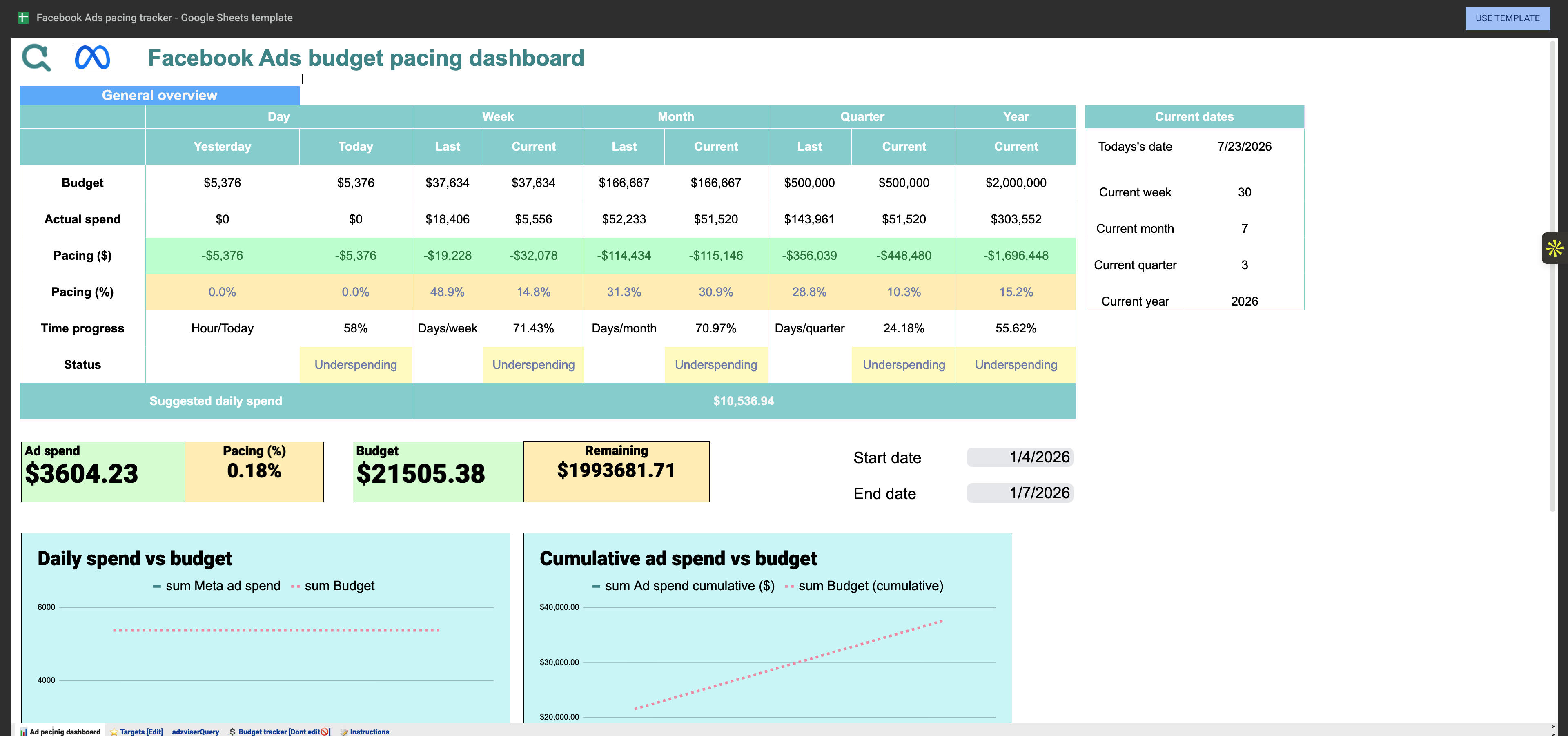
+3 ready-to-use templates for Facebook Ads
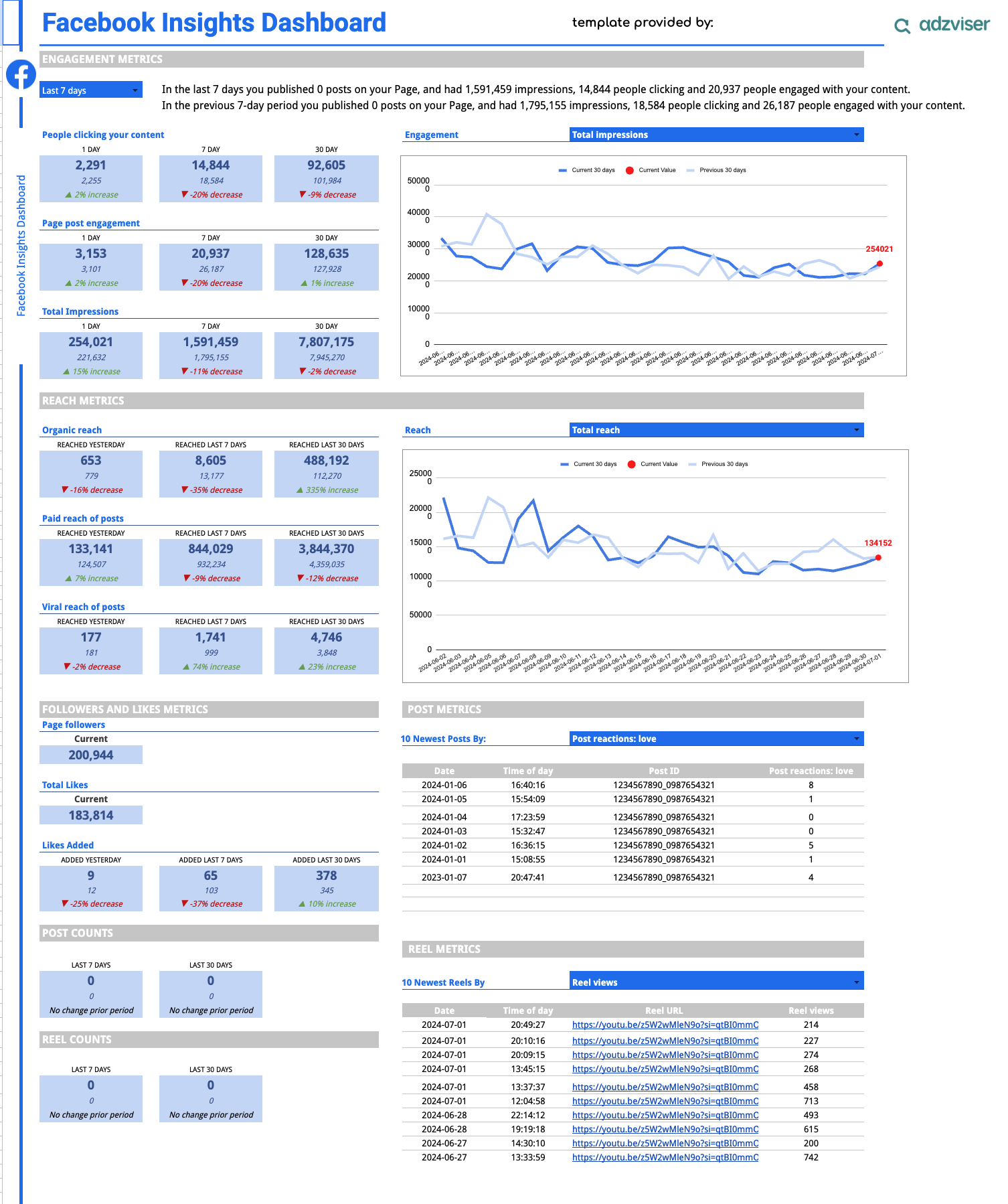 +
+1 ready-to-use template for Facebook Insights
 +
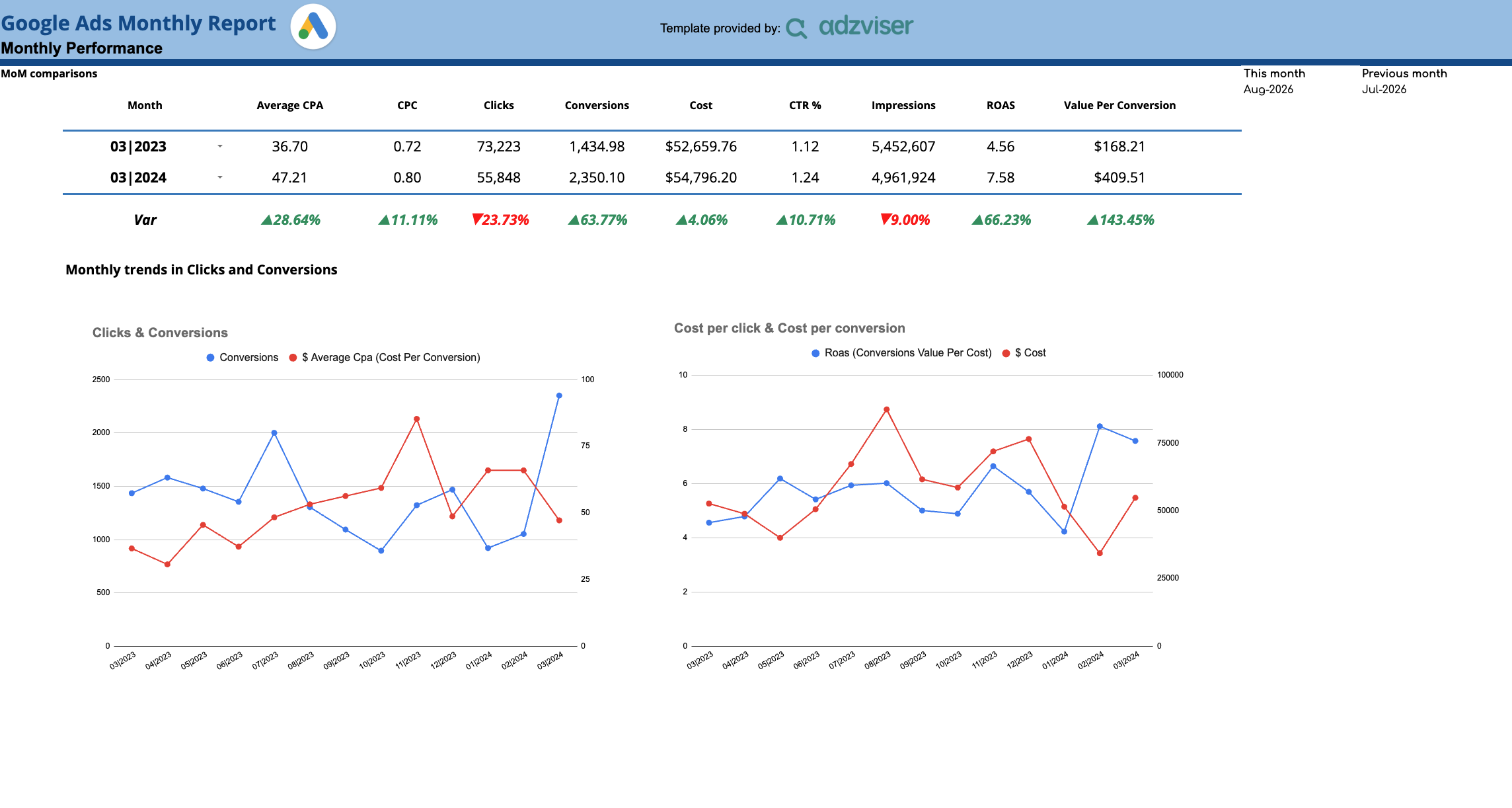
+1 ready-to-use template for Google Ads
 +
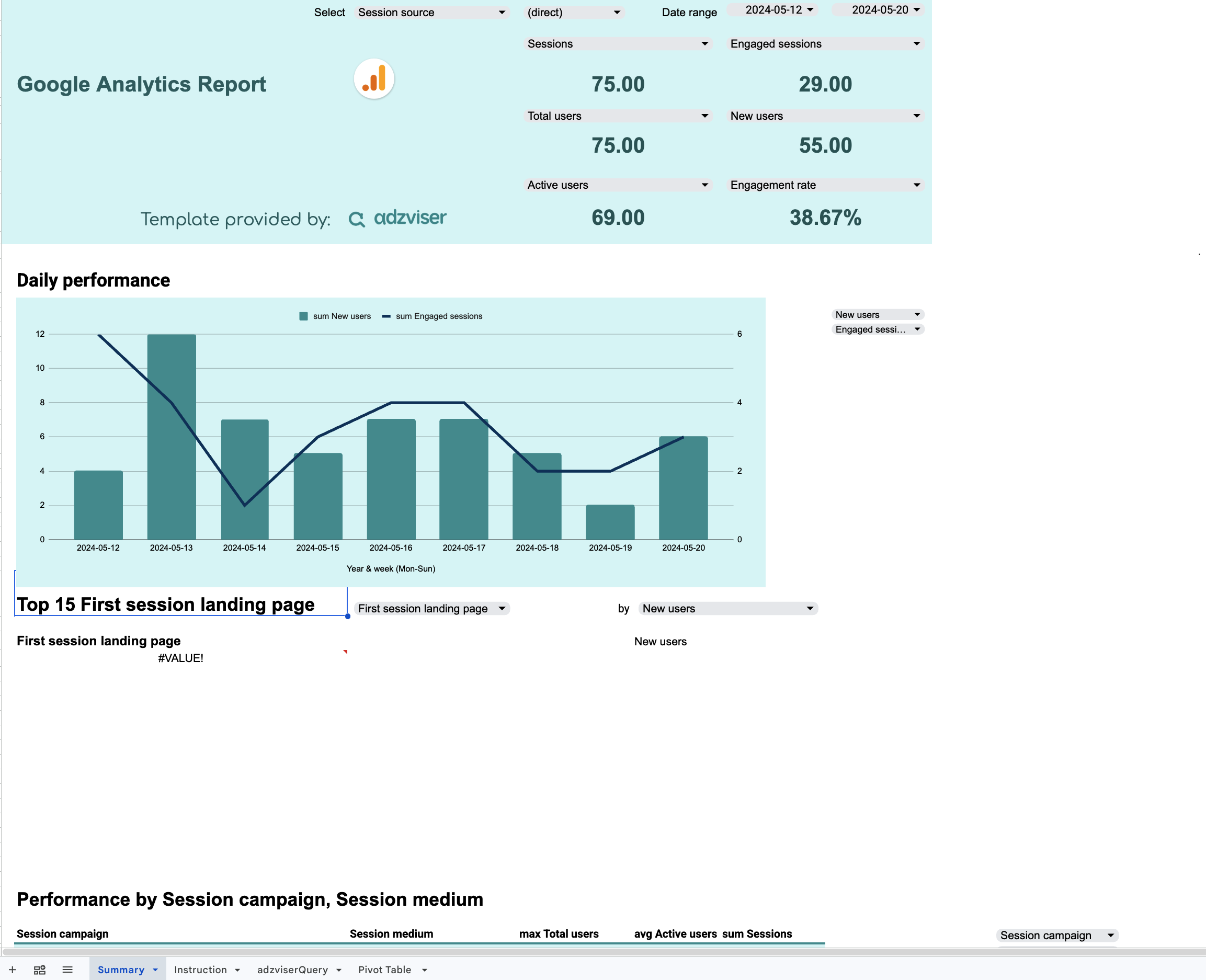
+1 ready-to-use template for Google Analytics
 +
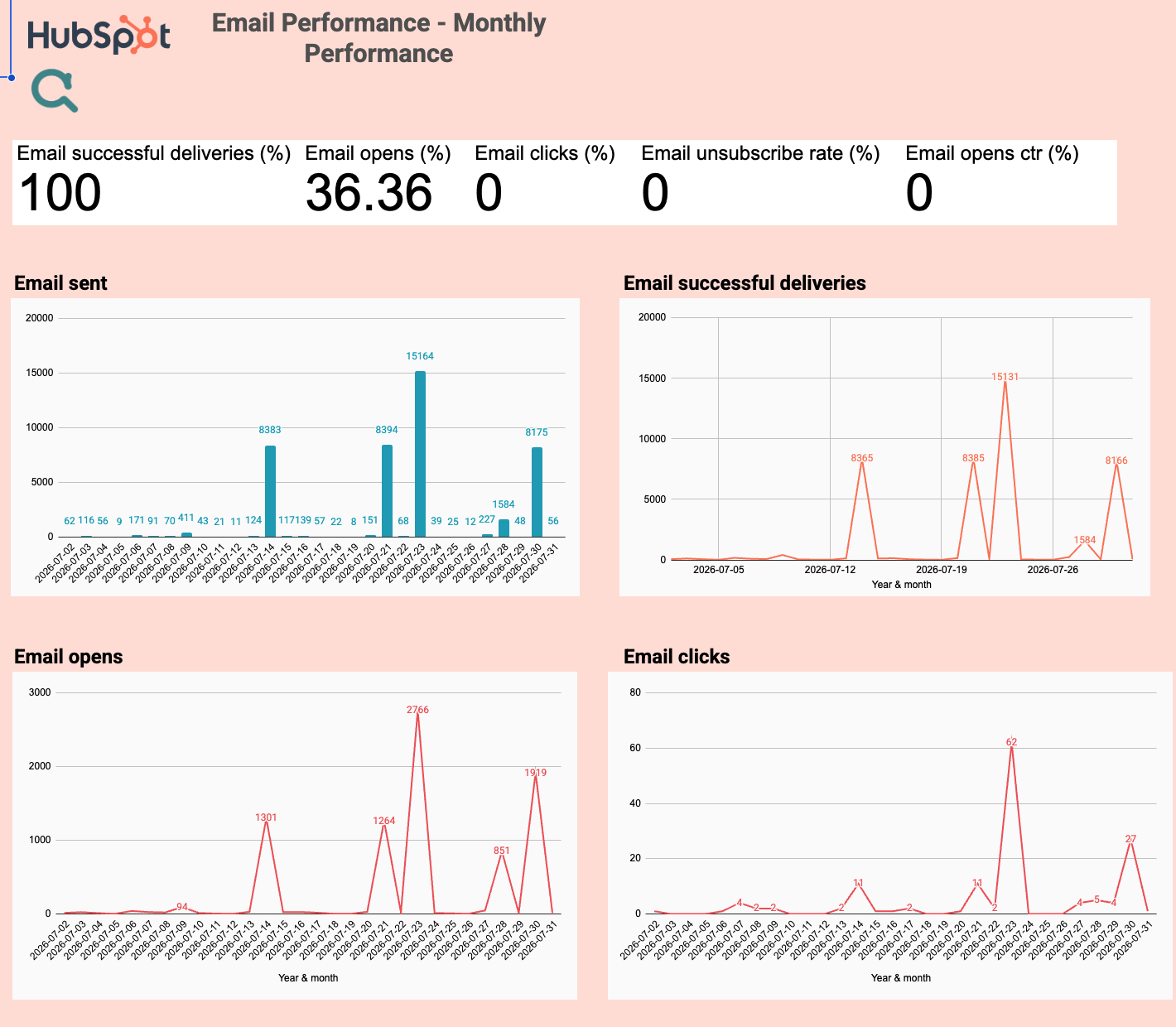
+1 ready-to-use template for HubSpot
 +
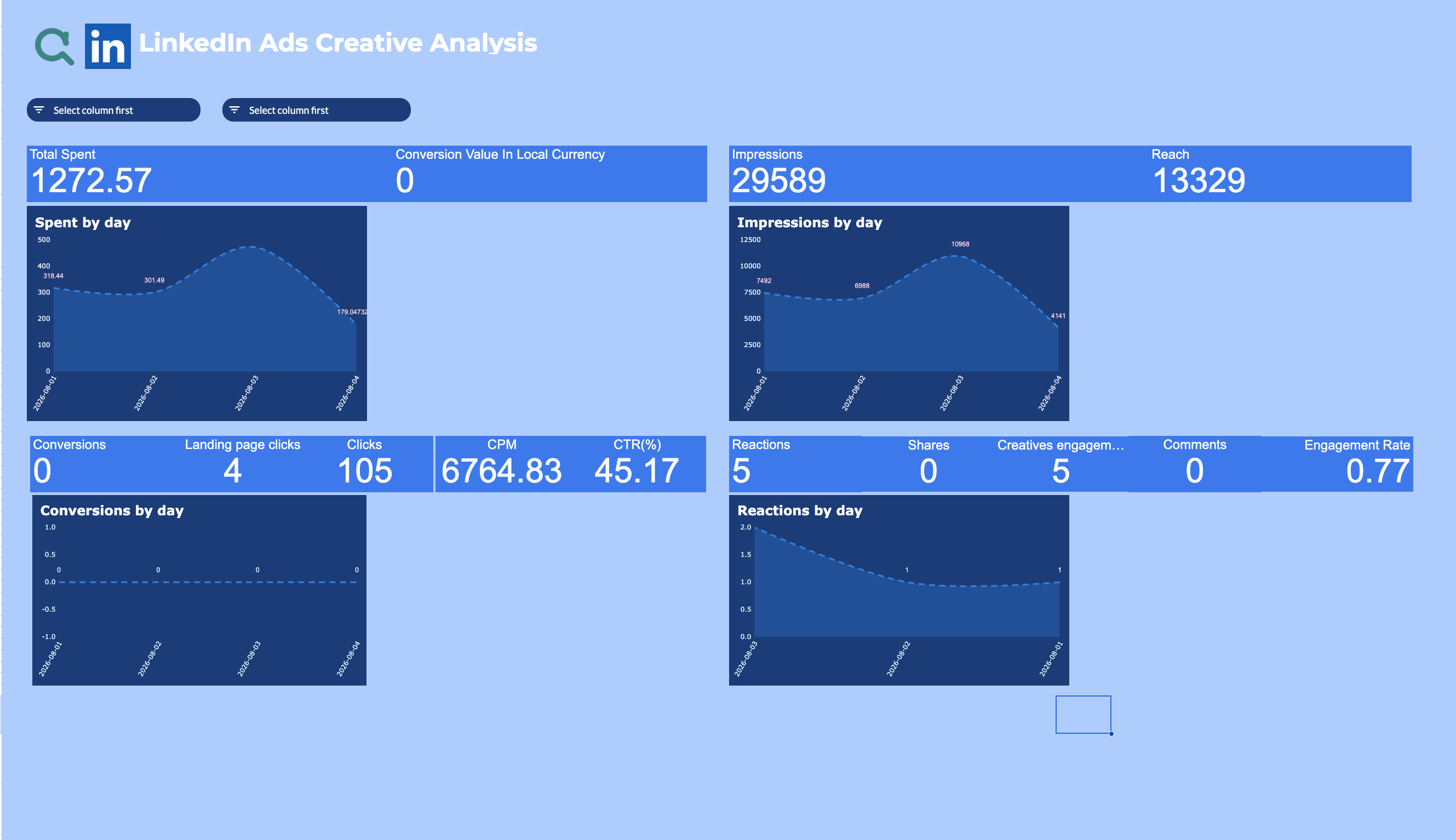
+1 ready-to-use template for LinkedIn Ads
 +
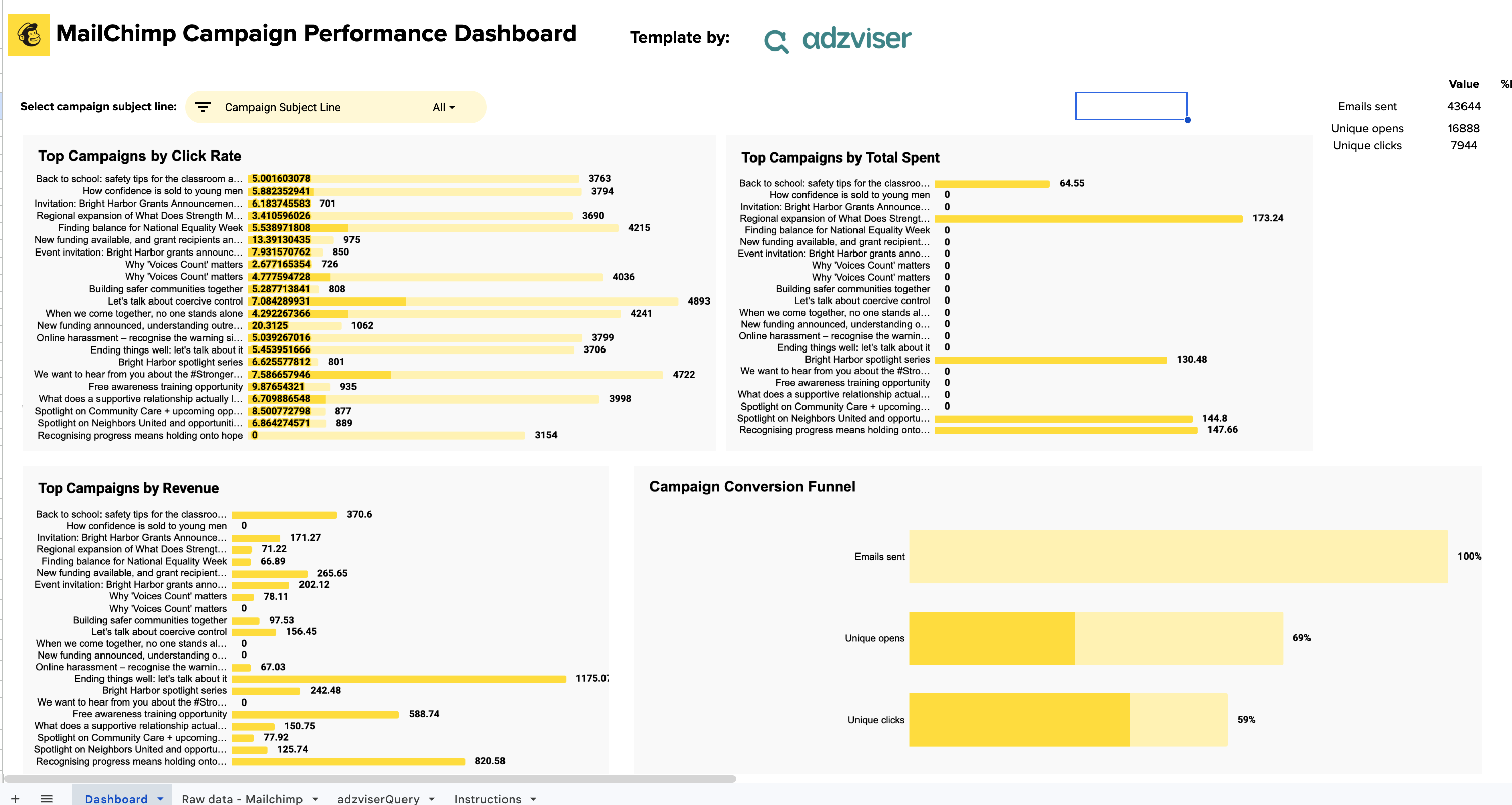
+1 ready-to-use template for Mailchimp
 +
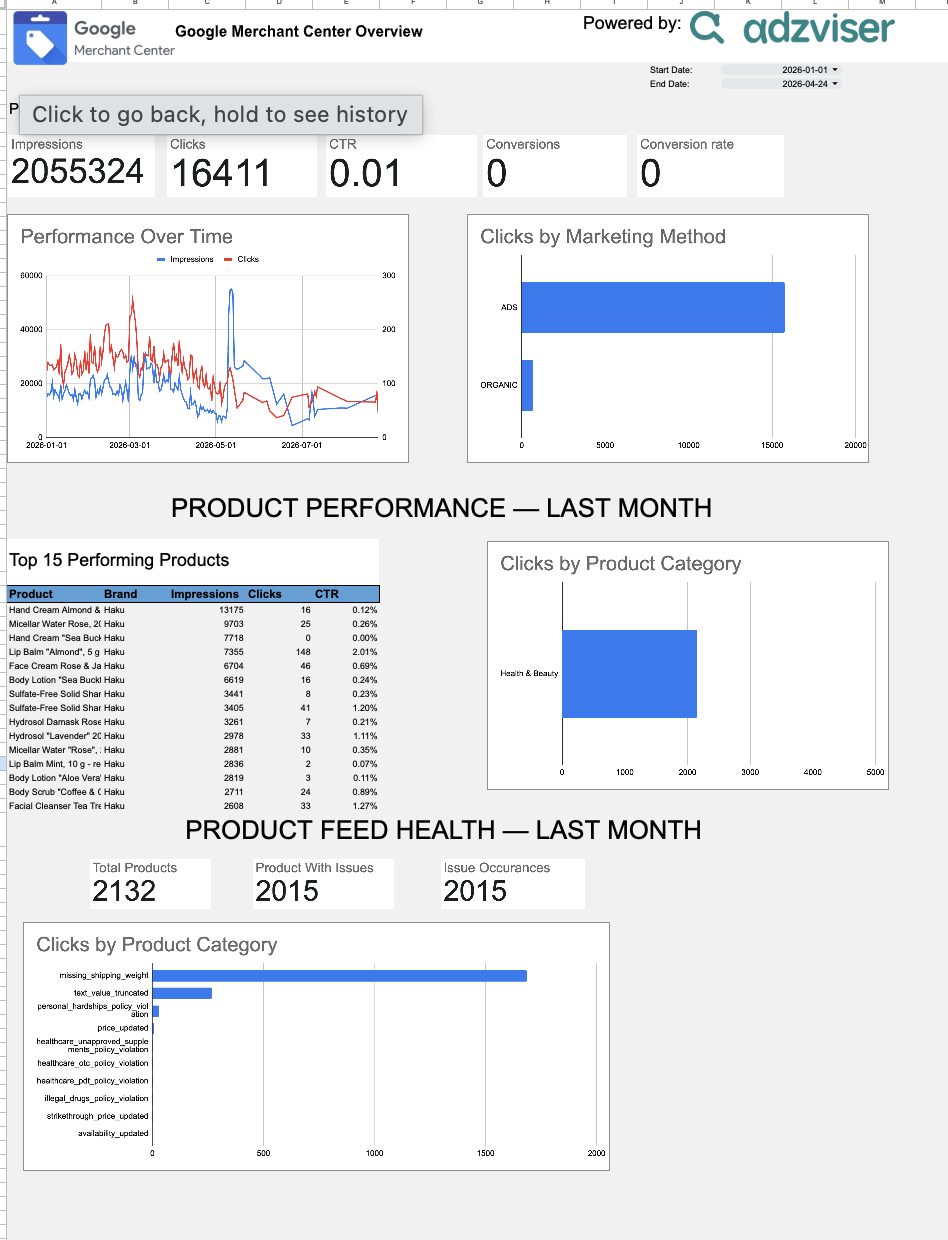
+1 ready-to-use template for Merchant Center
 +
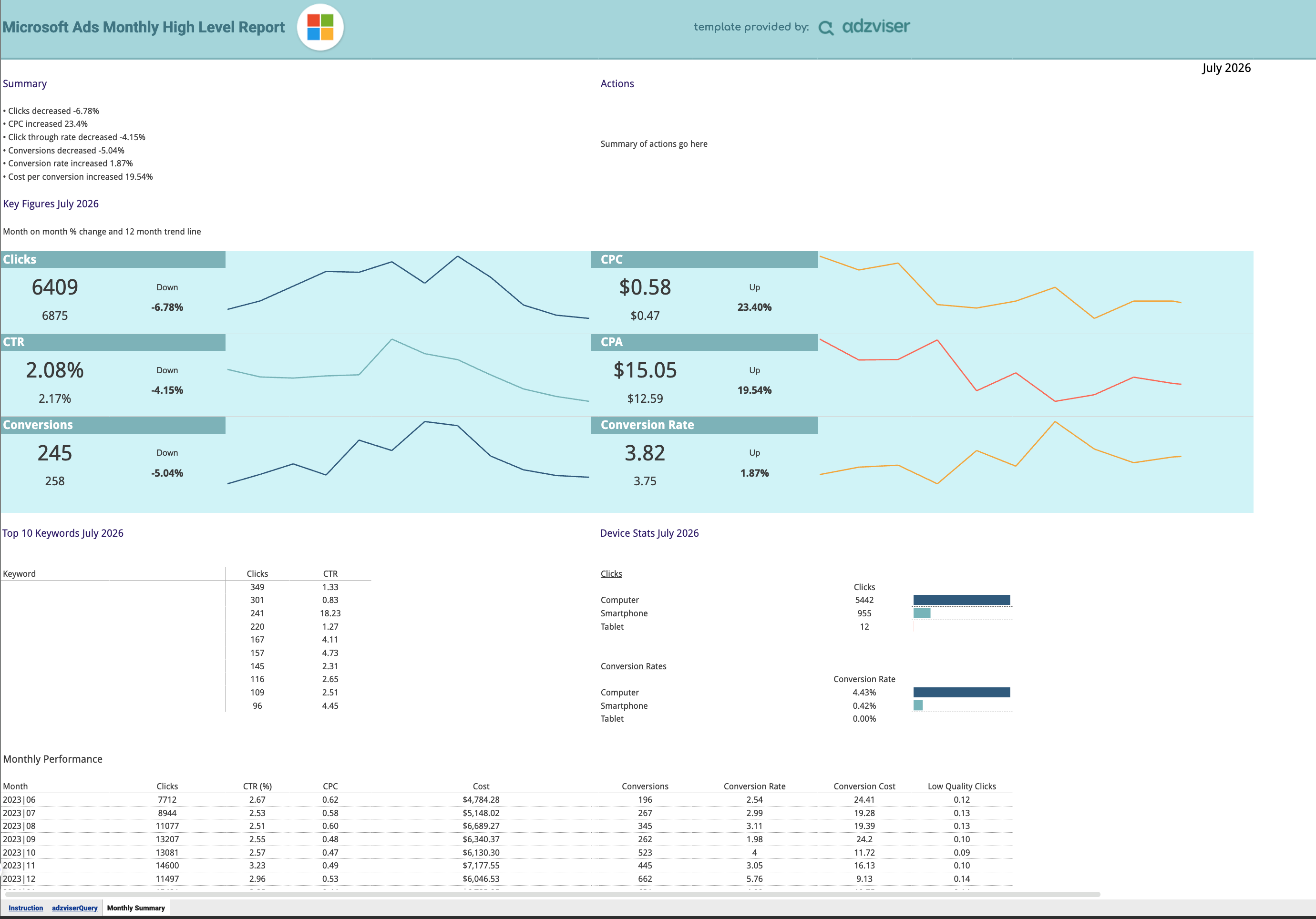
+1 ready-to-use template for Microsoft Ads
 +
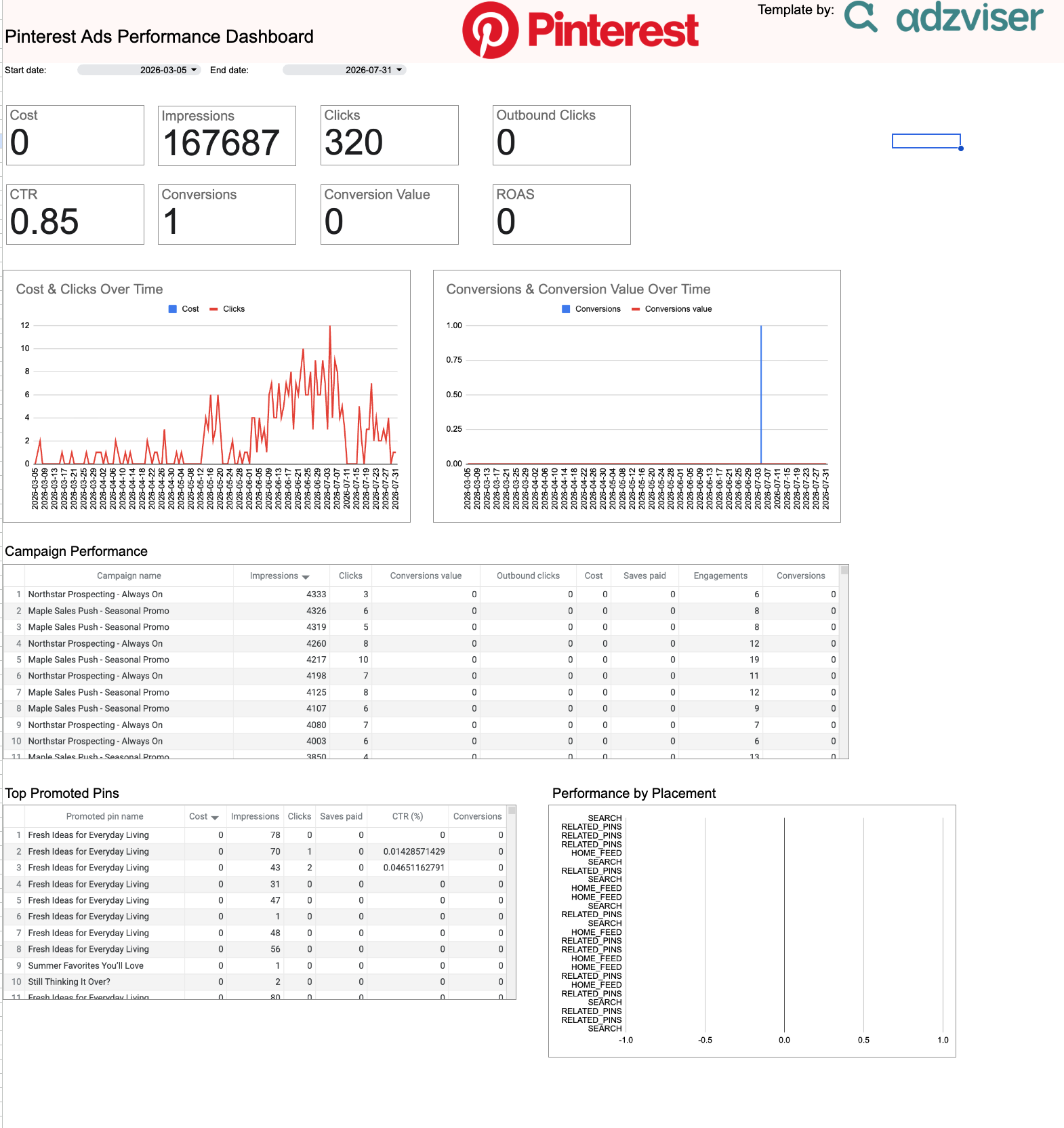
+1 ready-to-use template for Pinterest Ads
 +
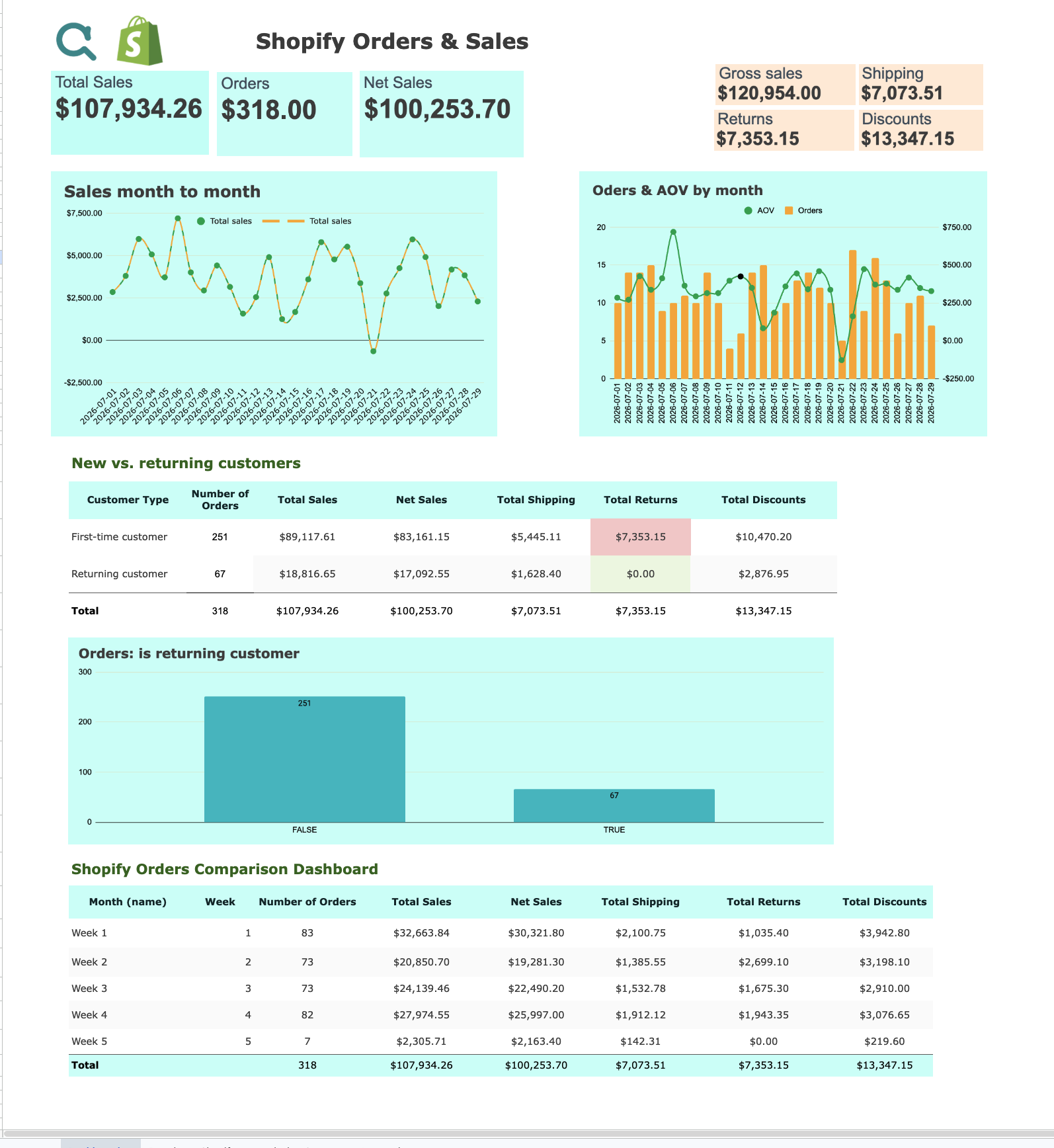
+1 ready-to-use template for Shopify
 +
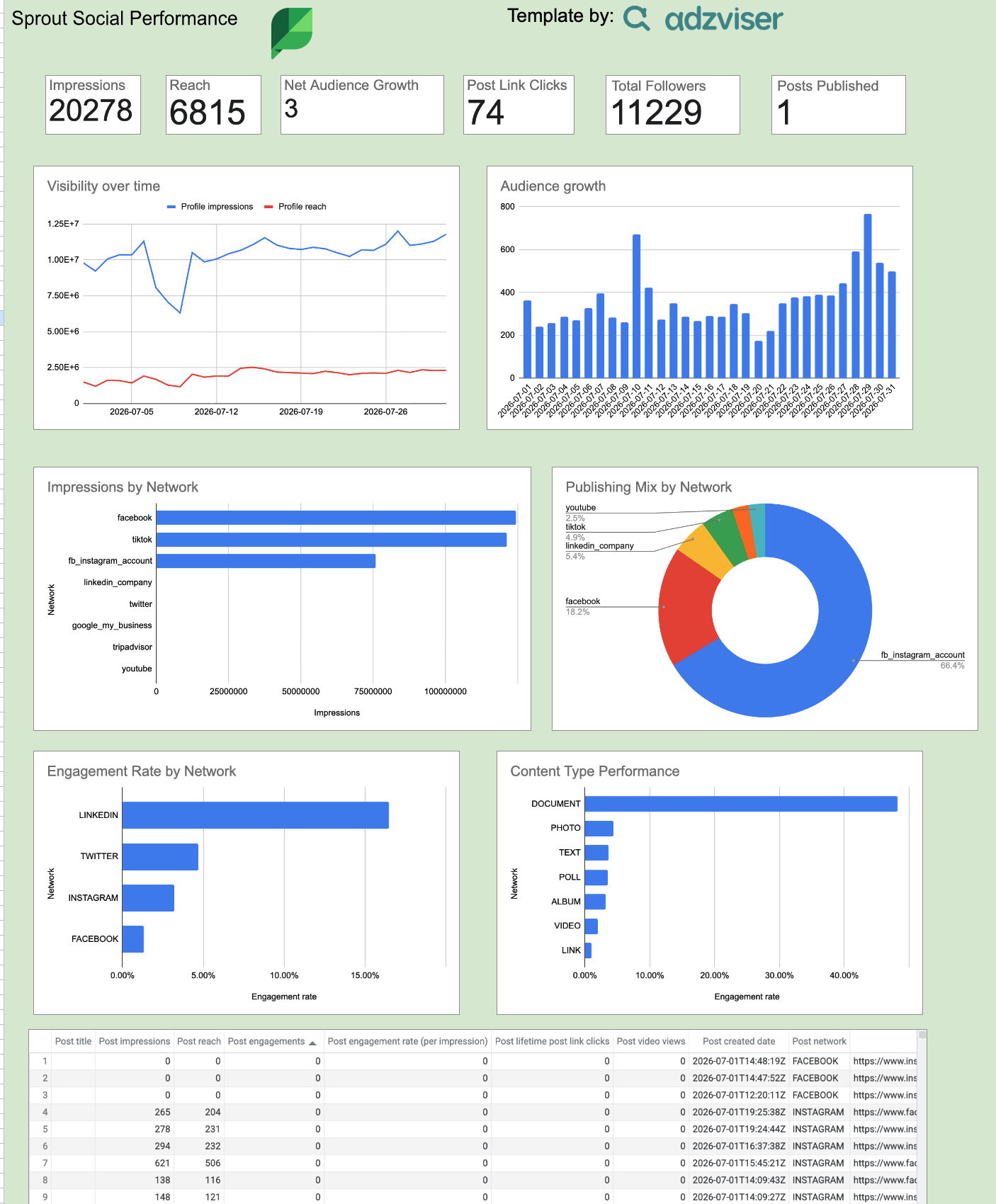
+1 ready-to-use template for Sprout Social
 +
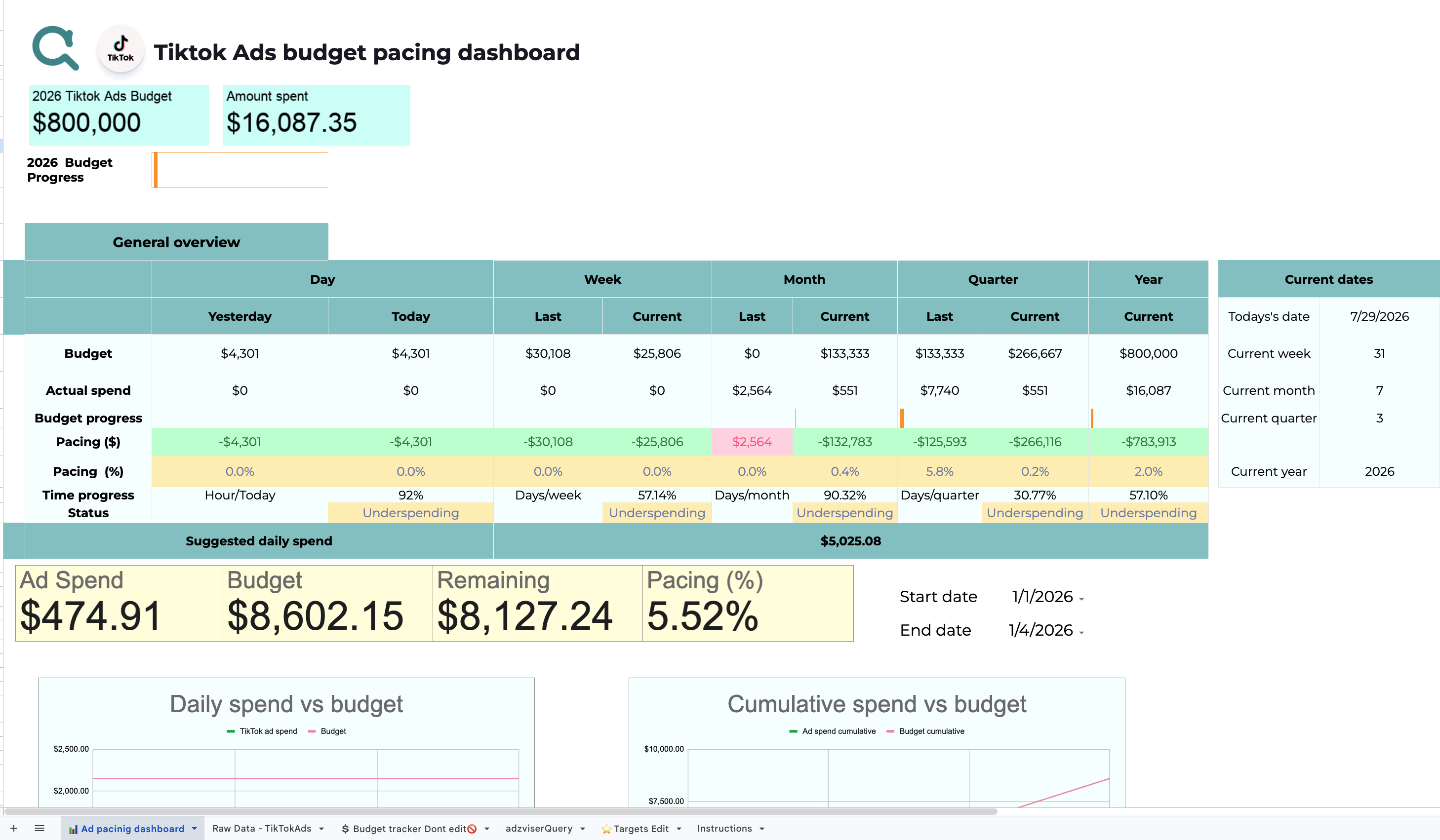
+2 ready-to-use templates for TikTok Ads
 +
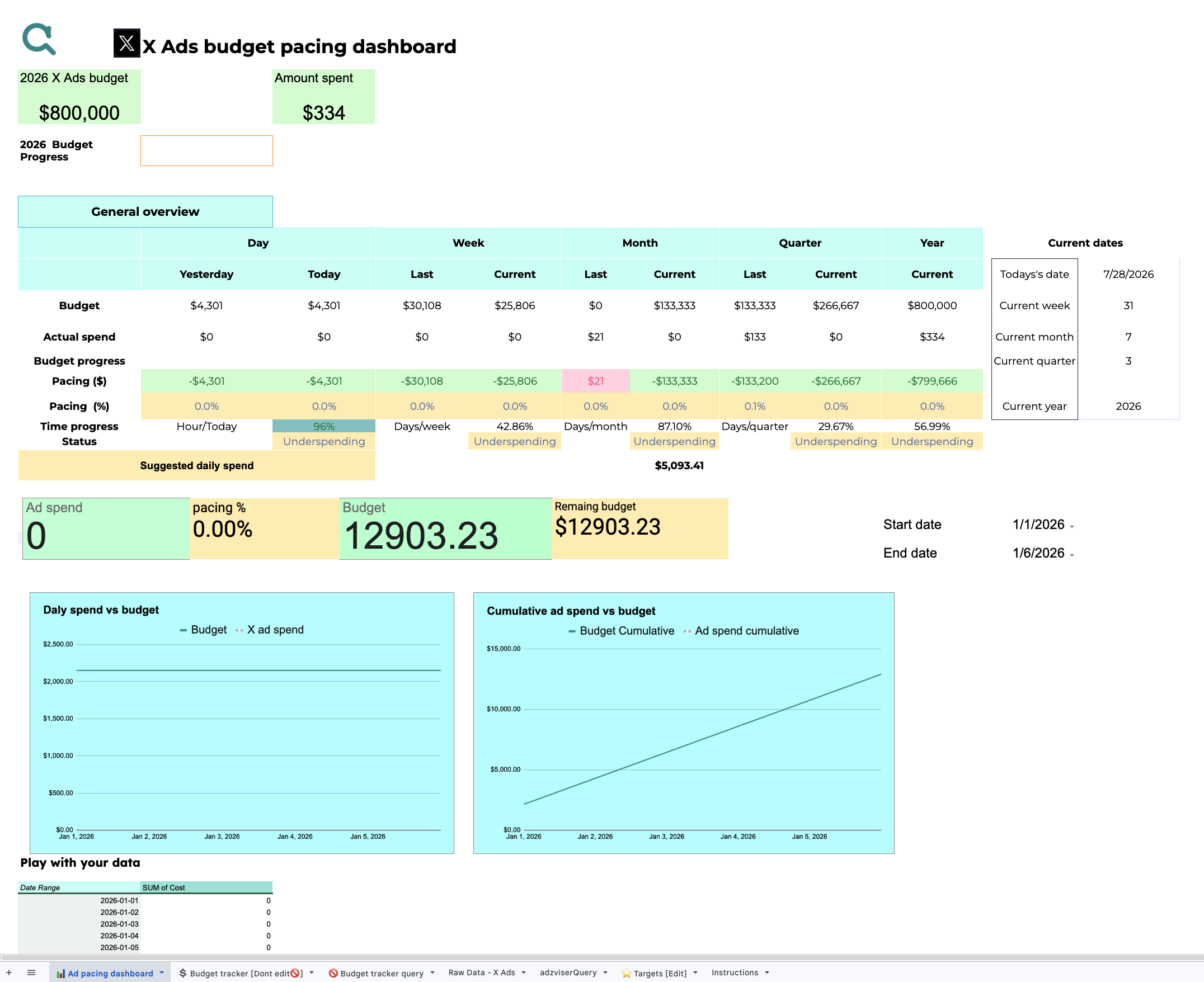
+1 ready-to-use template for X Ads
Choose a template, connect your live data through Adzviser, and customize the result in Google Sheets.
Preview a report for your data source and make your own Google Sheets copy so the layout, formulas, and supporting tabs are editable.
Install or open Adzviser in Google Sheets, authorize the matching source, and select the accounts, metrics, dimensions, and date range you need.
Run the report, configure available refresh options, and adapt formulas, pivot tables, charts, targets, and notes for your operating workflow.
Start with a useful reporting layout for monthly performance, creative analysis, budget pacing, inventory, sales, or engagement.
Use familiar spreadsheet formulas, pivot tables, conditional formatting, charts, targets, and custom columns alongside imported marketing data.
Pull supported source data through Adzviser and refresh it without rebuilding the same CSV export and spreadsheet process every reporting cycle.
See how marketers use Adzviser to automate recurring Google Sheets reports and keep client data organized.
Make a copy of the spreadsheet, connect the matching source to an Adzviser workspace, and enter that workspace name in the adzviserQuery worksheet. Then open the Adzviser add-on and choose Refresh all queries to populate the report with your data. Read the Google Sheets template guide →
Yes. You can refresh all queries manually from the Adzviser add-on or create an automatic refresh trigger from its Schedule tab. Available schedules include daily, weekly, and monthly refreshes. See refresh instructions →
Yes. An Adzviser workspace can contain multiple accounts, and the Google Sheets add-on can query multiple accounts of the same source. Depending on the query, results can be separated into worksheets so you can compare or consolidate them safely.
It can if you remove or rename columns that existing formulas and charts reference. Make a backup copy first, then keep the expected column structure or update the dependent formulas, ranges, pivot tables, and charts after changing metrics or dimensions.
Yes. Pull each source into the workbook, then combine the results using formulas, lookups, pivot tables, or charts. Keep each imported query in a stable range so refreshes do not overwrite your calculations or manually entered targets.
Confirm that you made your own copy, installed the Adzviser add-on, connected the correct source, and entered the exact workspace name expected by the adzviserQuery sheet. Then run Refresh all queries and review any error shown in the add-on.
Yes. The spreadsheet copy is free and belongs to your Google account. You can edit its queries, formulas, tabs, charts, formatting, budgets, and notes. An Adzviser account is required to keep supported marketing data connected and refreshed.

