+
+
HubSpot Email Marketing Performance
A HubSpot email marketing dashboard for Data Studio — track delivery, open, click, and unsubscribe rates at a glance, with an email marketing funnel and a daily contacts-created breakdown.
Get the template →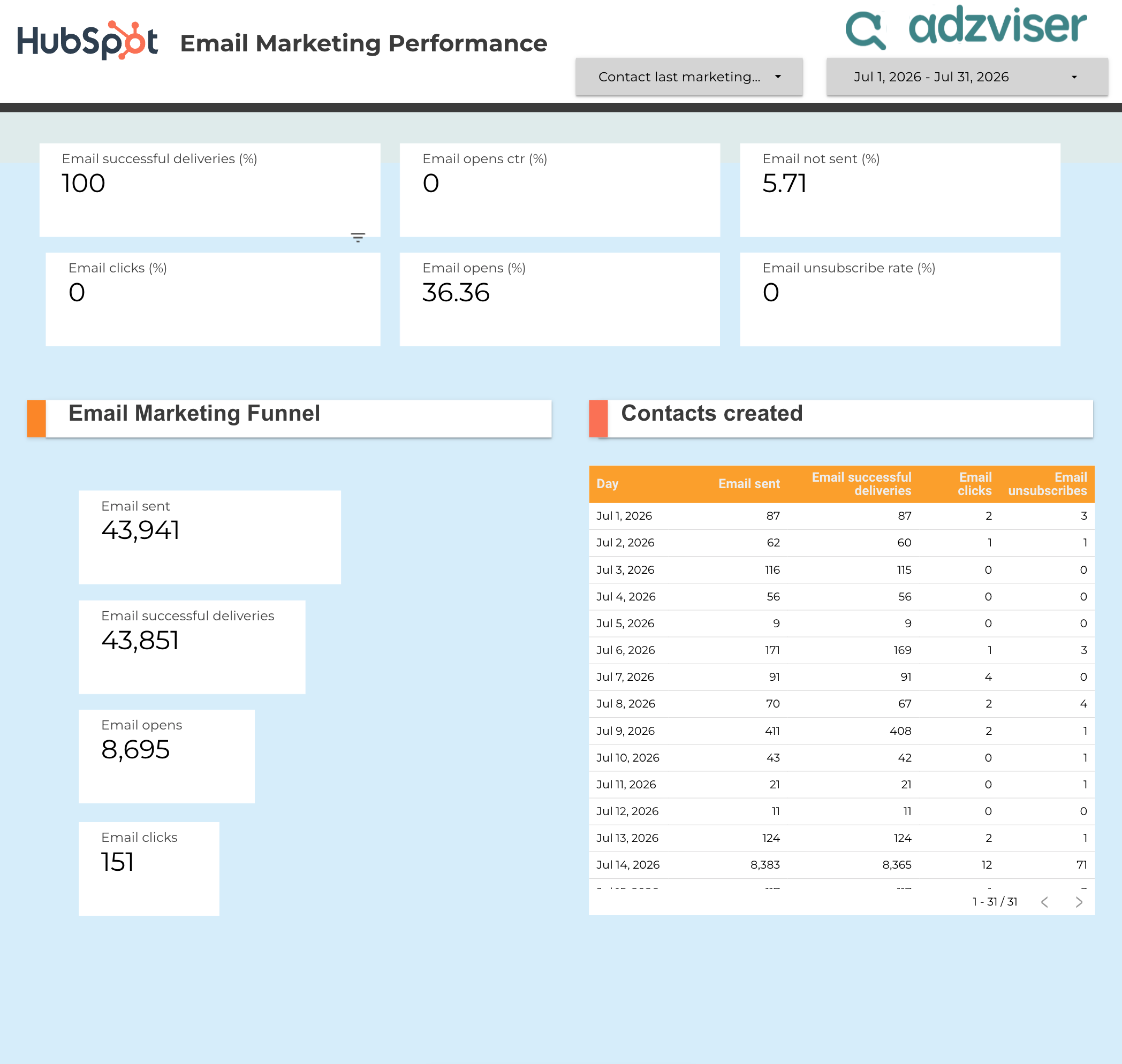
Metrics & Dimensions
The HubSpot metrics and dimensions this template is pre-built with — no manual setup needed.
Metrics
Dimensions
Template Features
Everything you need to build professional HubSpot reports.
- ✓Automated daily data refresh
- ✓Email marketing funnel visualization
- ✓Daily contacts-created breakdown
- ✓Delivery, open, click, and unsubscribe rate tracking
How to Get Started
Set up your HubSpot Data Studio template in 3 simple steps.
Sign up for Adzviser
Create your account and start your 14-day trial for just $0.99. Cancel anytime.
Related Templates
Explore more templates for HubSpot or Data Studio.


Frequently Asked Questions
Common questions about the HubSpot Email Marketing Performance.
Yes, this template is completely free to download and use. To connect your HubSpot data with Adzviser, you'll need an Adzviser account — Adzviser offers a 14-day trial for just $0.99 so you can try it out with minimal commitment.
Simply sign up for Adzviser, connect your HubSpot account through our secure OAuth flow, then add the Adzviser connector in Data Studio and select your data source.
With Adzviser's Data Studio connector, your data can be refreshed automatically. Data Studio caches data and refreshes it periodically, or you can manually refresh at any time.
Absolutely! Once you copy the template, you have full control over the layout, charts, metrics, and filters. You can add new pages, change visualizations, and tailor it to your specific reporting needs.
Adzviser supports 50+ data sources including Google Ads, Facebook Ads, TikTok Ads, Instagram, LinkedIn Ads, Shopify, HubSpot, and more. You can combine multiple sources in a single Data Studio report for cross-channel analysis.
Start building reports
with Adzviser

Have a question?